
Viewing Status Settings
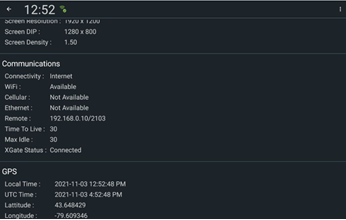
The Status feature allows you to view a subset of DriverMate settings.
Before you begin
Procedure
- Tap the three vertical dots on the upper-right corner of the screen.
- Tap Status in the dropdown menu.
-
Select the setting you want to view.
-
Tap the Back button:
 You are returned to the Manifest screen.