About Installing and Configuring DriverMate
In some cases, you may have to change some of the properties that were configured and
set when DriverMate was first installed. Most of these settings are in the
DriverMateXam.json file.
These properties control DriverMate features and how they are displayed and used by drivers as they complete their trips and interact with Dispatch.
Resetting properties may be required, for example, when you have made operational changes, adjusted your device settings, or are performing troubleshooting.
Auto Configuration
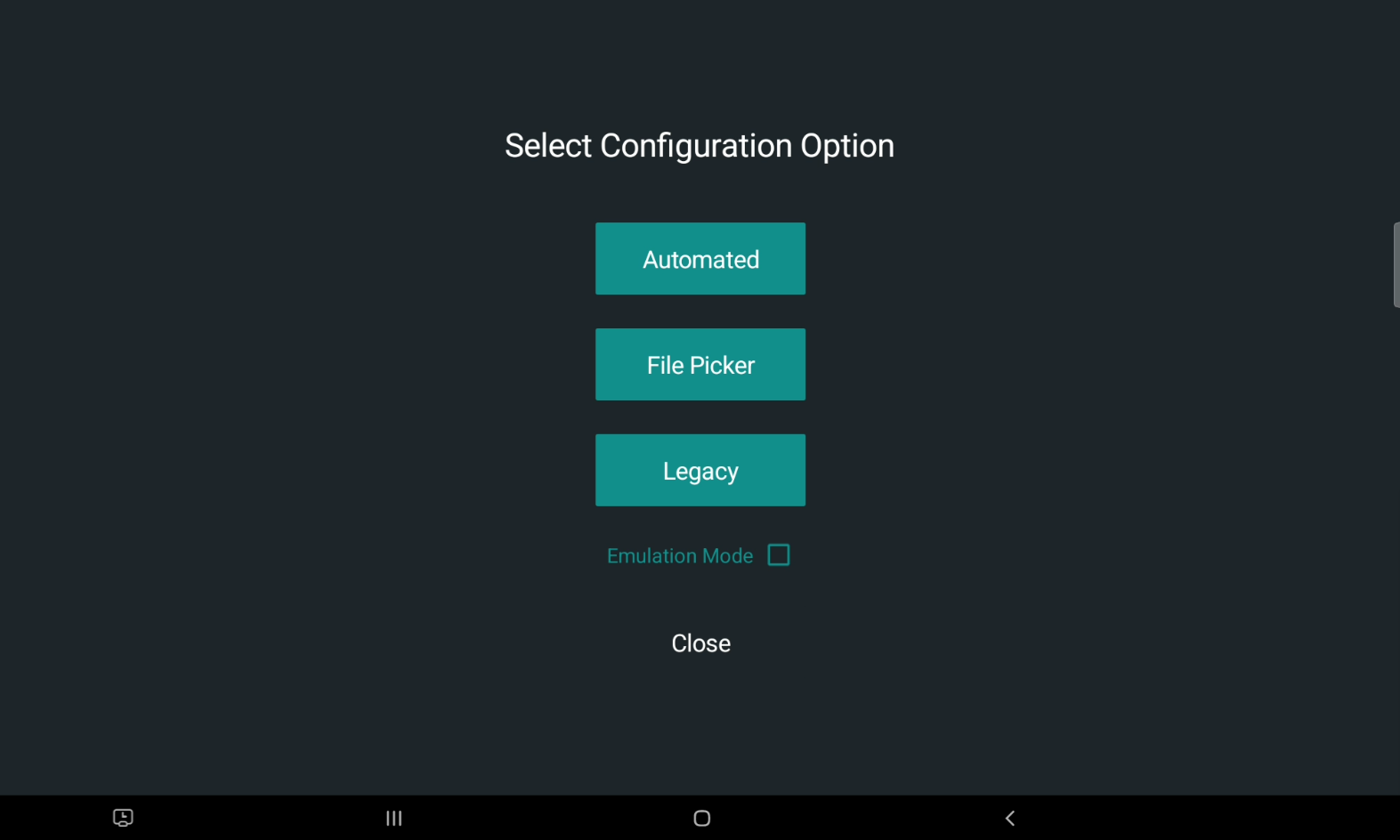
After DriverMate is installed, the Configuration screen will be displayed before users can log in.
The Configuration screen provides three configuring options: Automated, File Picker, and Legacy. Deciding which option to choose will depend on how much control you want over setting the DriverMate properties.