What's New in DriverMate v20
The following features are introduced in version 20.0.x releases of DriverMate. Some new features included in version 20 may be found in later releases of earlier versions (for example, v19.5.0). These features are marked with an asterisk.
HIPAA Compliance for Logging On to DriverMate
- Driver ID
- Run
- PIN
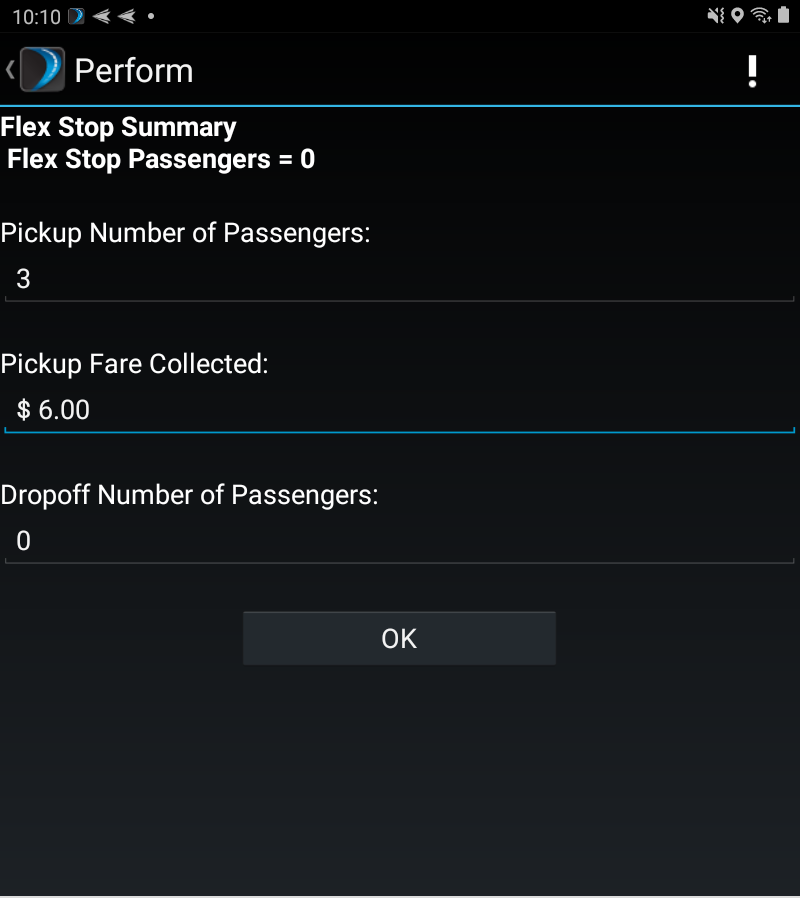
Flex Stop Summary
A new 'Summary' option has been added under Flex Stop Method which allows users to enter total number of passengers picked up/ dropped off and total fare collected from the Perform screen.
The Flex Stop Method property must be set as 'Summary' in order to use this functionality.
Fare Overpayment
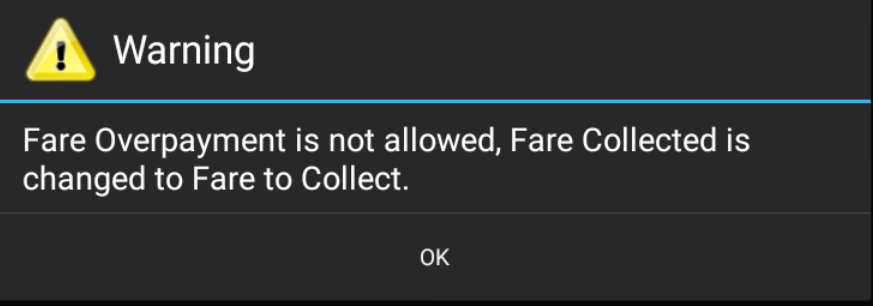
DriverMate now has the functionality that specifies whether Drivers will be allowed to collect fares larger than the 'Fare to Collect' amount. This can be configured from the Perform Setting screen by setting the 'Fare Overpayment Allowed' option as Yes or No.
If the option is set as No, Driver will see the following message if they attempt to collect a fare amount higher than what is defined in 'Fare to Collect' amount.
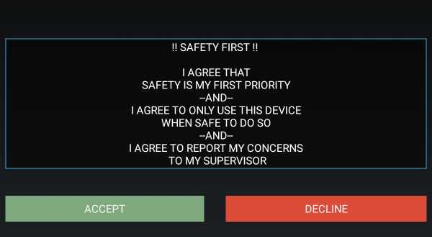
Driver Safety Message
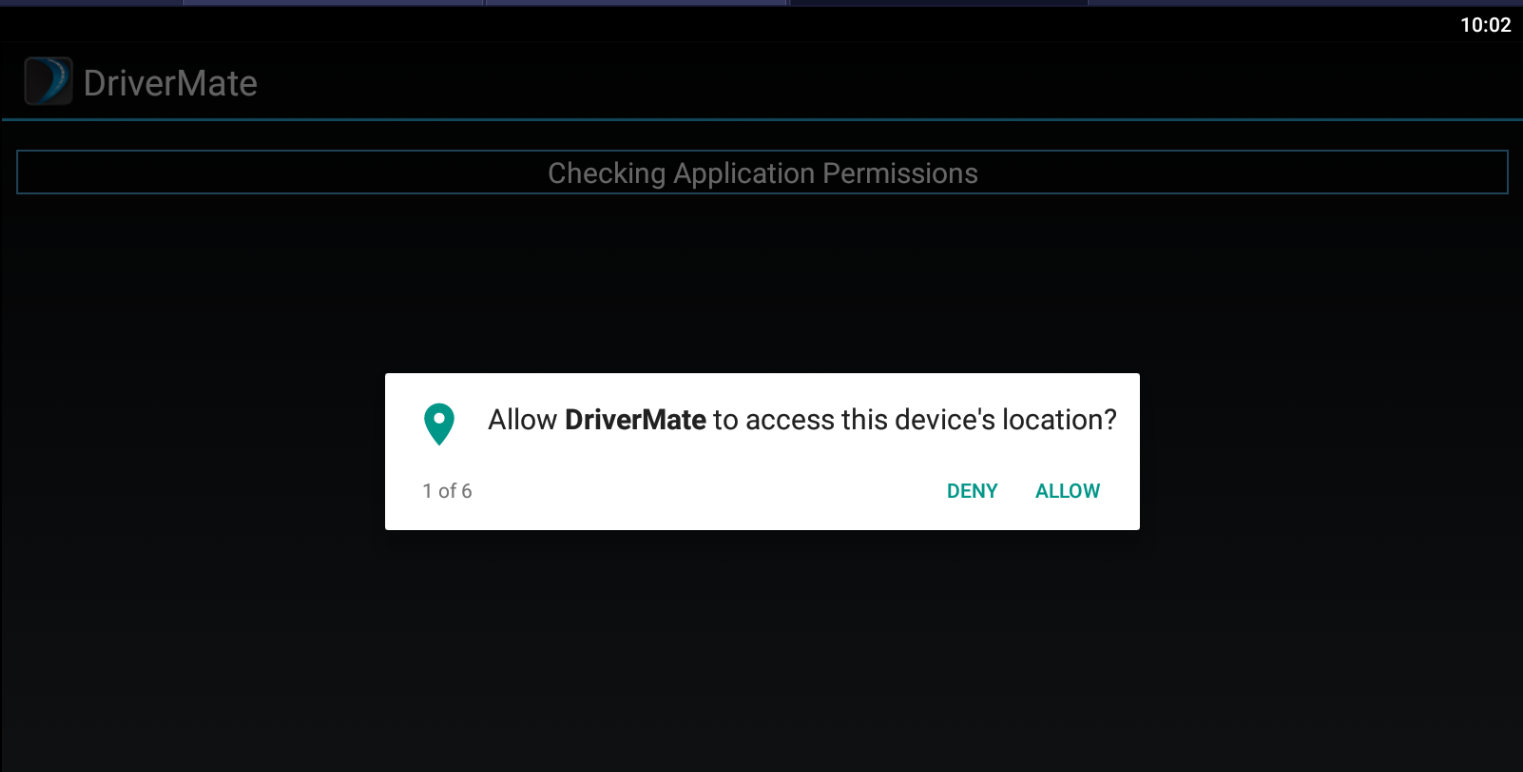
Permission Check
- Camera
- Location
- Record Audio
- Read and Write
End of Day Summary
- Driver ID
- Number of Passengers
- Passengers Per Revenue Hour
- Number of Wheelchair Passengers
- Number of Ambulatory Passengers
- On Time Performance
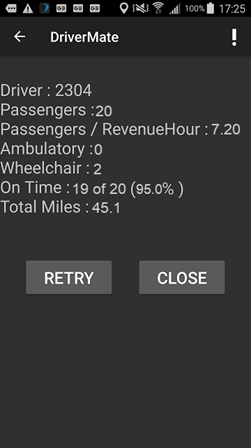
Note: This feature must be enabled from the Properties screen.
Application Crash Report for Android (ACRA) Support
For instances when the application crashes or behaves erroneously, crash reports will automatically be compiled and posted to a destination such as a report server or email address for delivery through the XMM log.
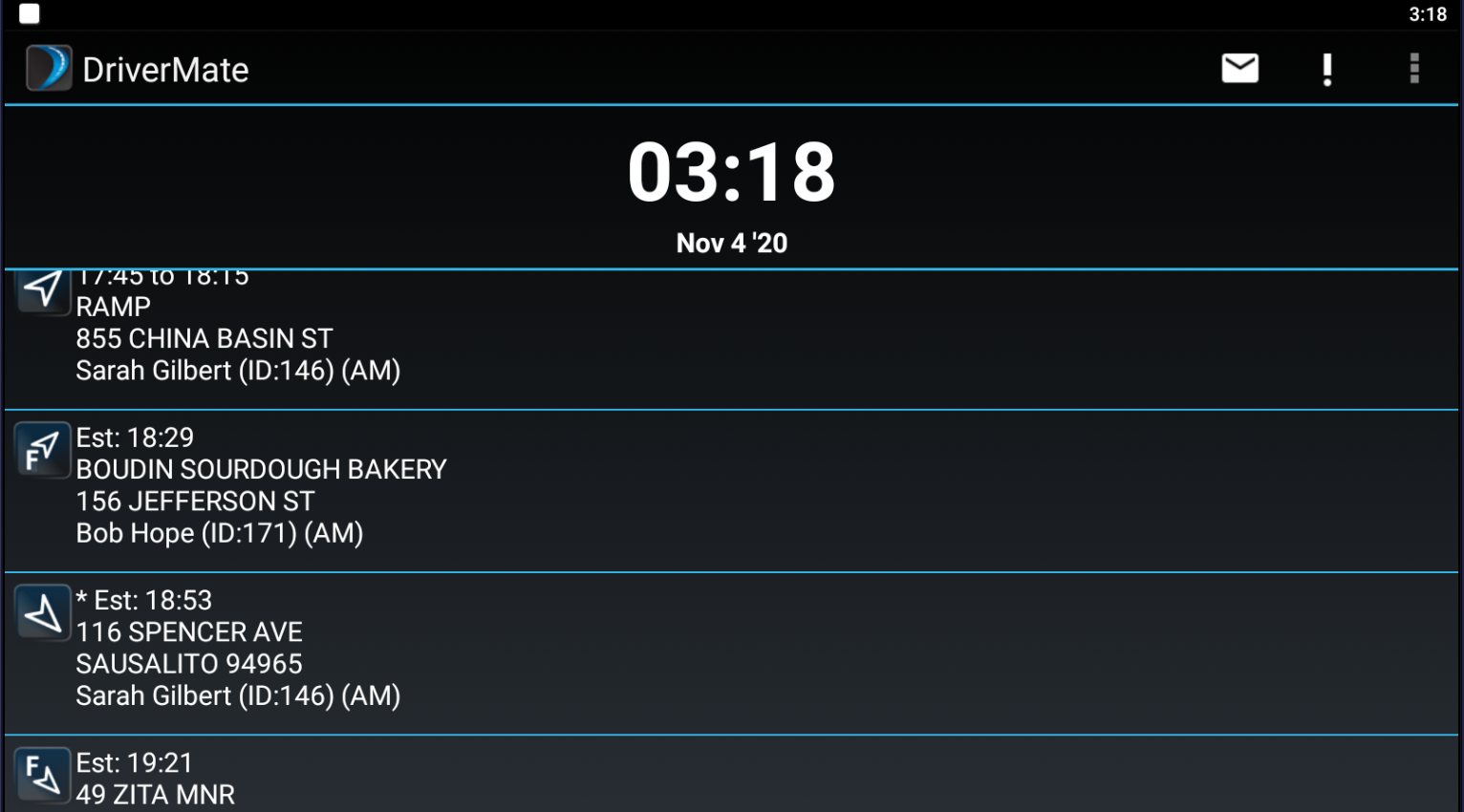
Manifest Screen
VoIP
Properties
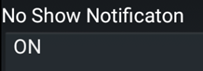
- No Show
- Group Perform
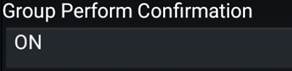
Enabling “Group Perform Confirmation” allows for you to confirm selecting a Group Perform operation to avoid accidental selection. This feature is automatically set to OFF by default.
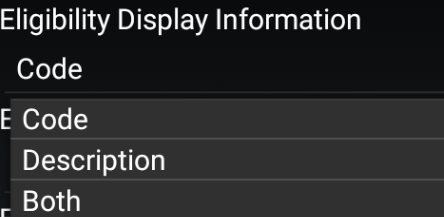
- Client Eligibility Code and/or Description
*DriverMate now has the ability to display client eligibility codes and/or description on the Manifest, allowing the driver to see more detailed information of client eligibility if the information is sent from MdtServer. This must be configured through the Properties menu.