
New Features and Enhancements
The New Features and Enhancements for 23.1.0.103 introduces a redesigned Messages screen and updated Map Search method.
Messages Screen User Interface
- Redesigned Messages Screen User Interface
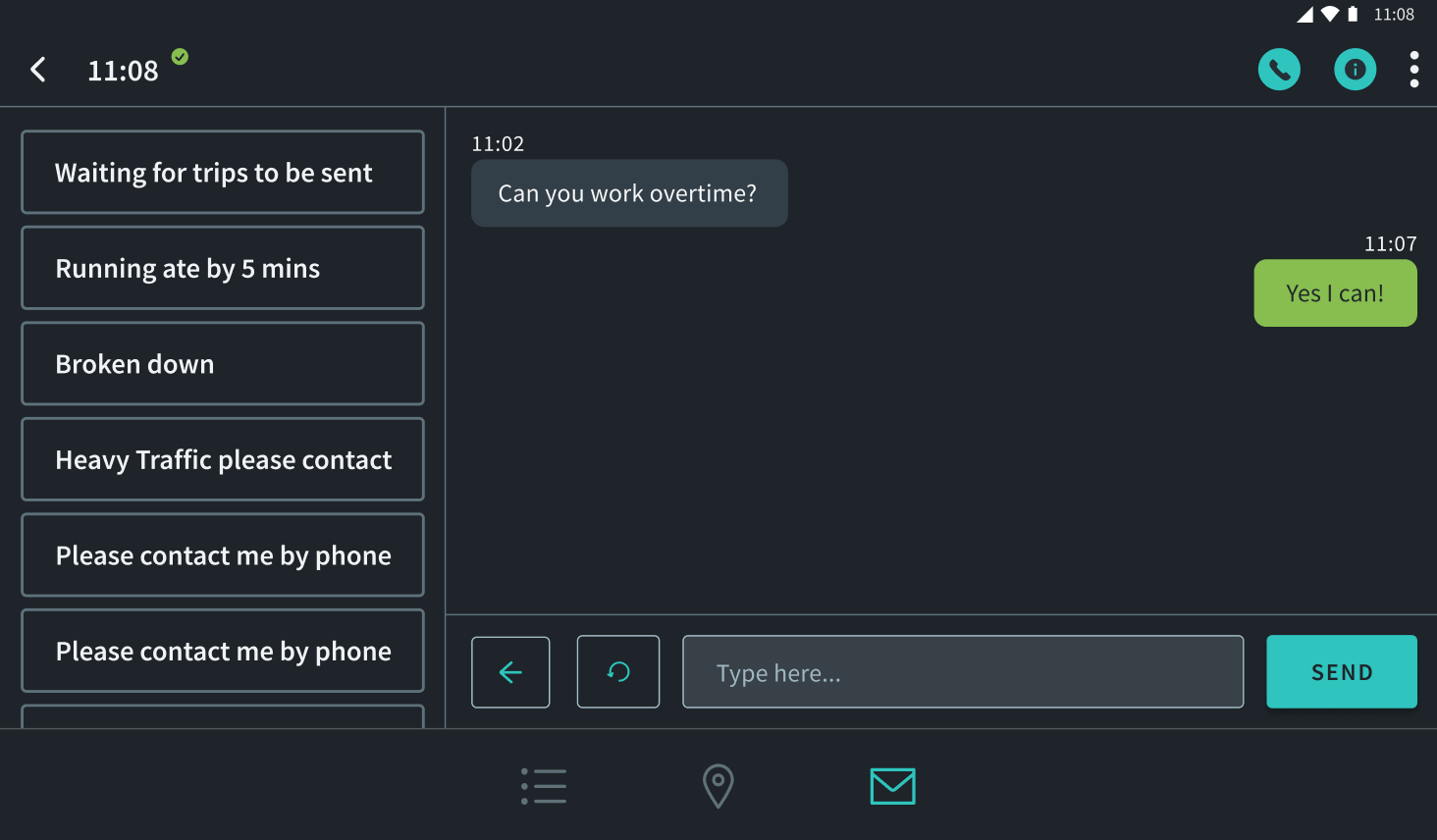
The Messages screen has been redesigned and built to combine multiple screens into a singular messaging screen that simplifies the messaging experience, making it easier to access canned messages, see the content and be able to edit the content when needed before sending a message. The viewable space has been increased, and allows users to hide and expand the Canned Messages sidebar.
Before: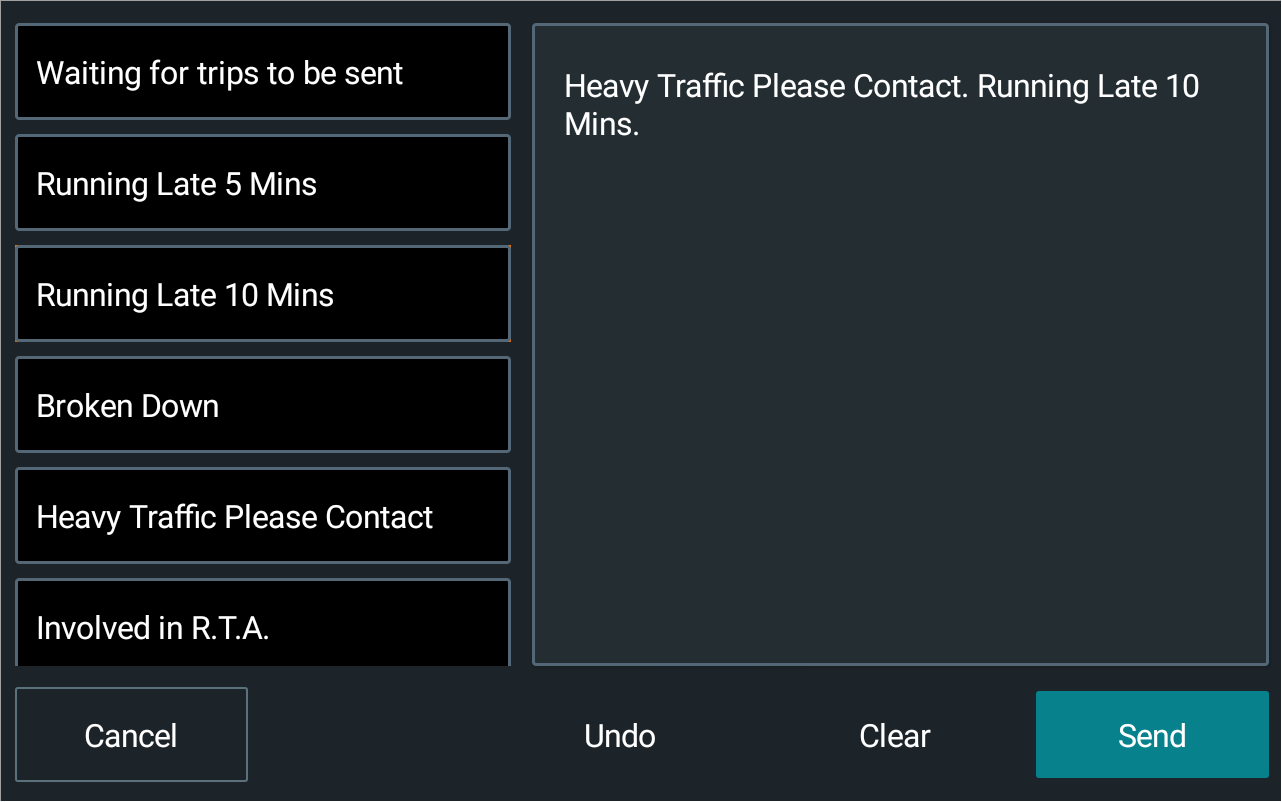 After: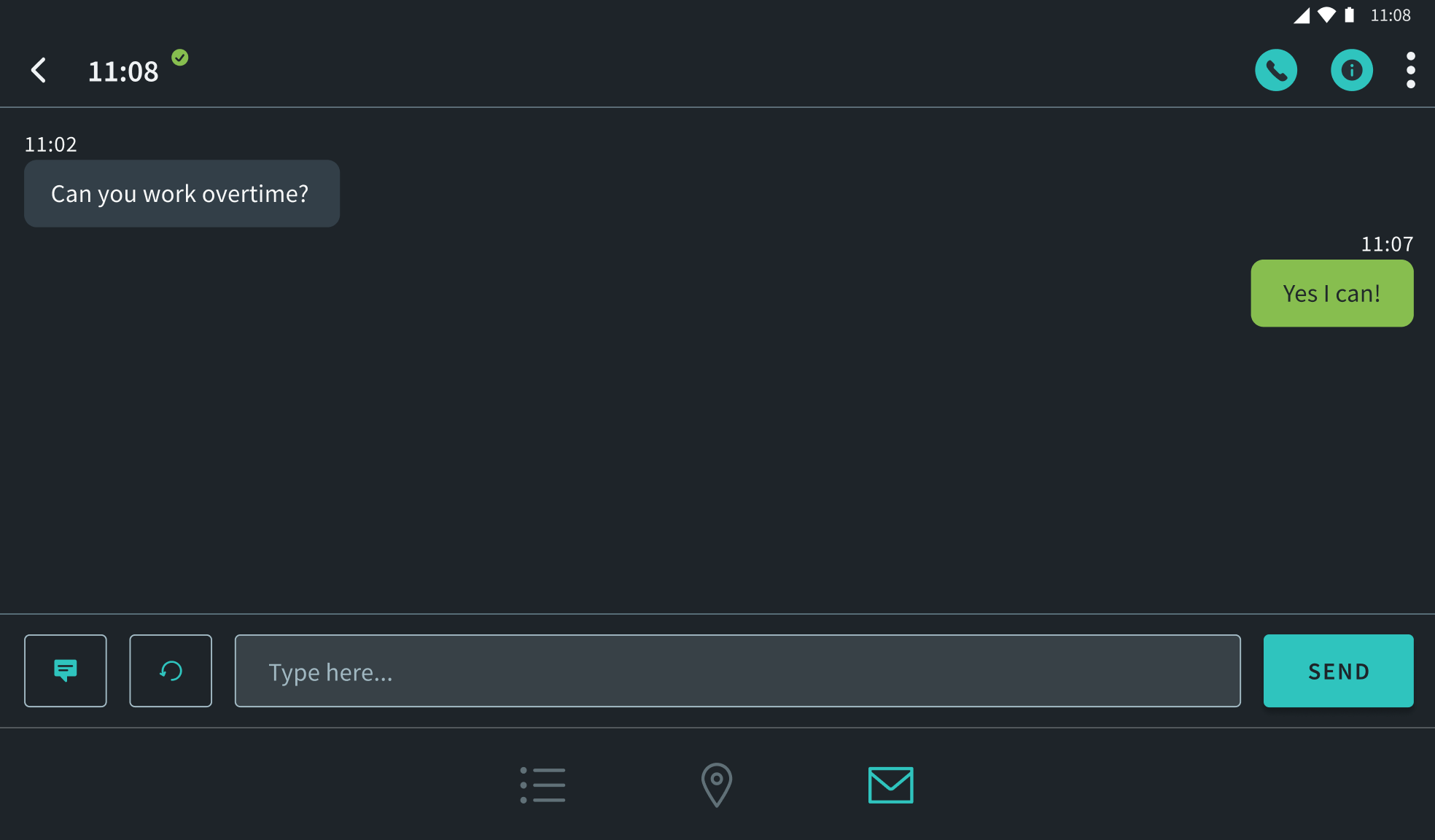
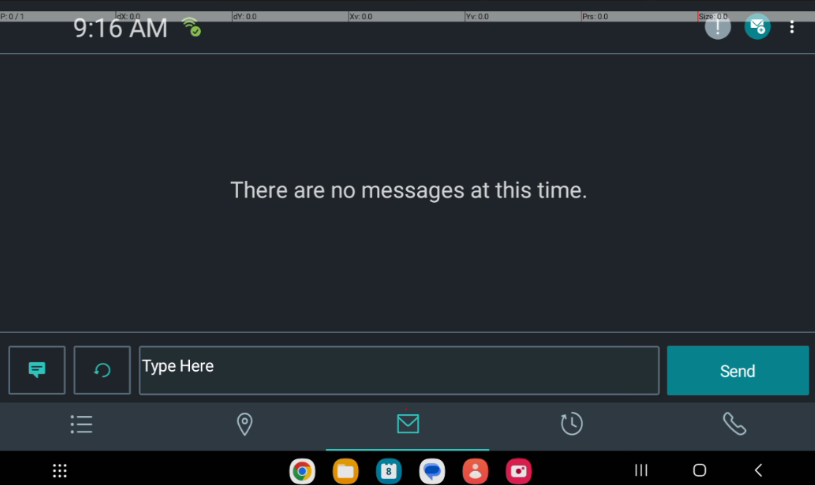
- No Messages Text UpdatedWhen the Messages screen is open, the background text indicating there are no messages has been updated.
- Canned MessagesA Canned Messages button will now open a sidebar of canned messages when tapped. Previously, the Canned Messages sidebar was set by default when the Messages screen was opened. Also, when a canned message is tapped, it will appear in the text area.
Updated Map Search Method
Added support for DriverMate navigation that improves on the Google navigation query,
which only accepts an address+landmark or GPS coordinates, but not both.
- Added three settings (GPS coordinates, location name, and location
address) to Map Search
- GPS: Navigation query contains the GPS coordinates only, Google must determine the physical address.
- Location Name: Navigation query contains both the location name (landmark) and the address.
- Location Address: Navigation query contains only the address.