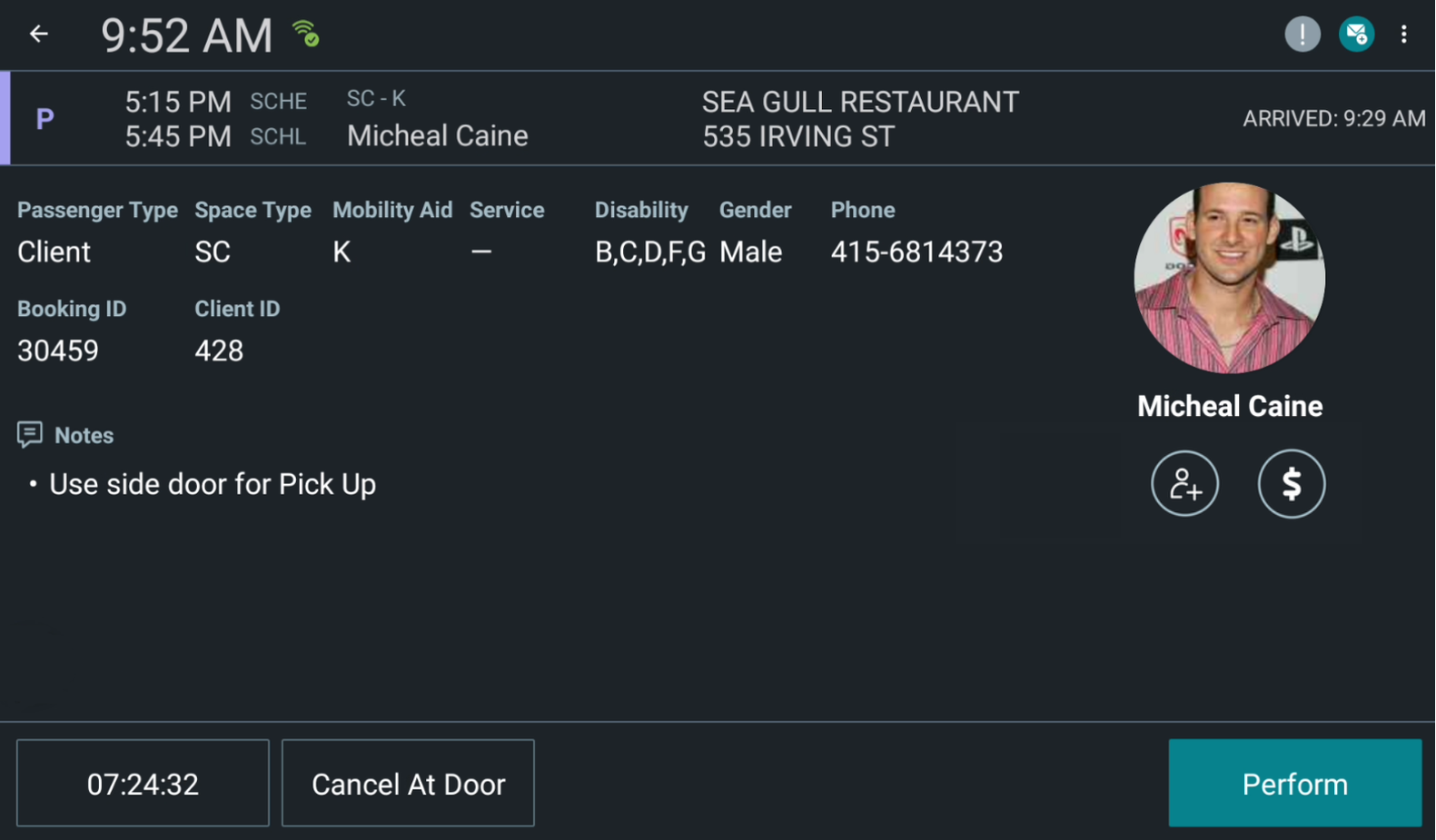
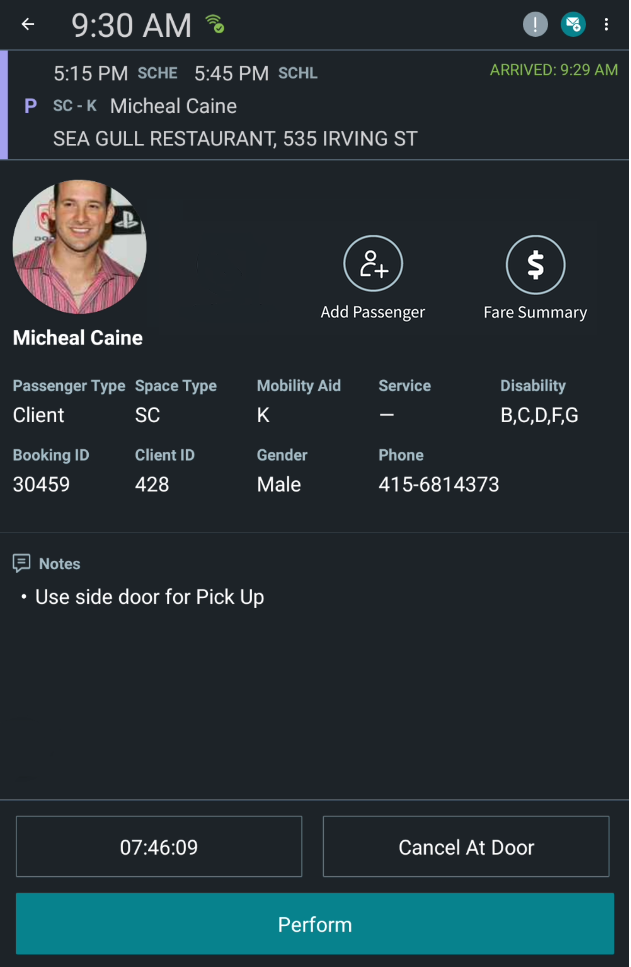
You can view detailed event and passenger information on the details screen.
Before you begin
Open DriverMate.
Procedure
On the manifest, tap the event whose details you want to view.
The details of the selected event are shown.
The Trip Details screen in
Landscape mode:
The Trip Details screen in Portrait mode:
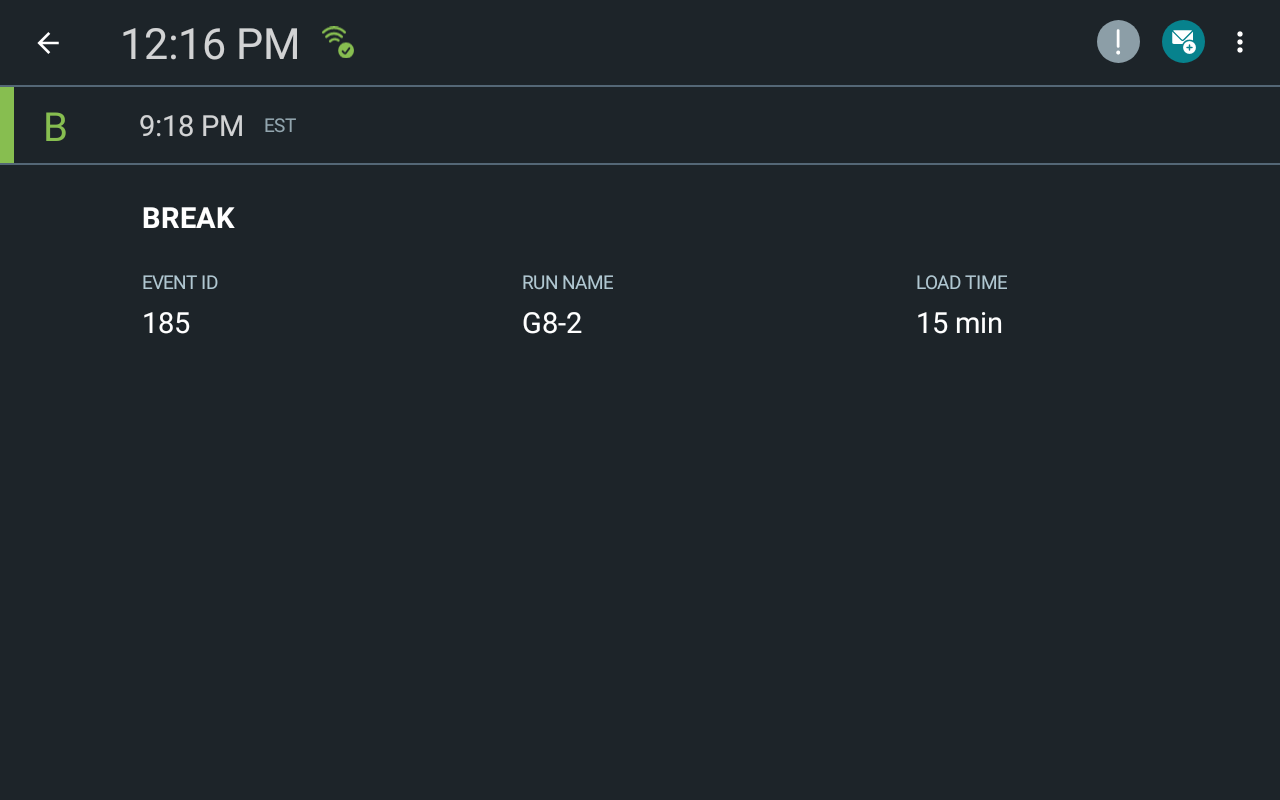
For non-revenue events such as pull-in, pull-out, or breaks, the Details screen
displays generic information such as Driver ID, Run Time, and Load Time.