
Performing Group Events
After you have marked an event that is part of a group trip as Arrived, you can mark all the group trip events as Performed. This procedure applies if you are not collecting fares during the trips.
Procedure
-
Tap the group event that has been marked Arrived.
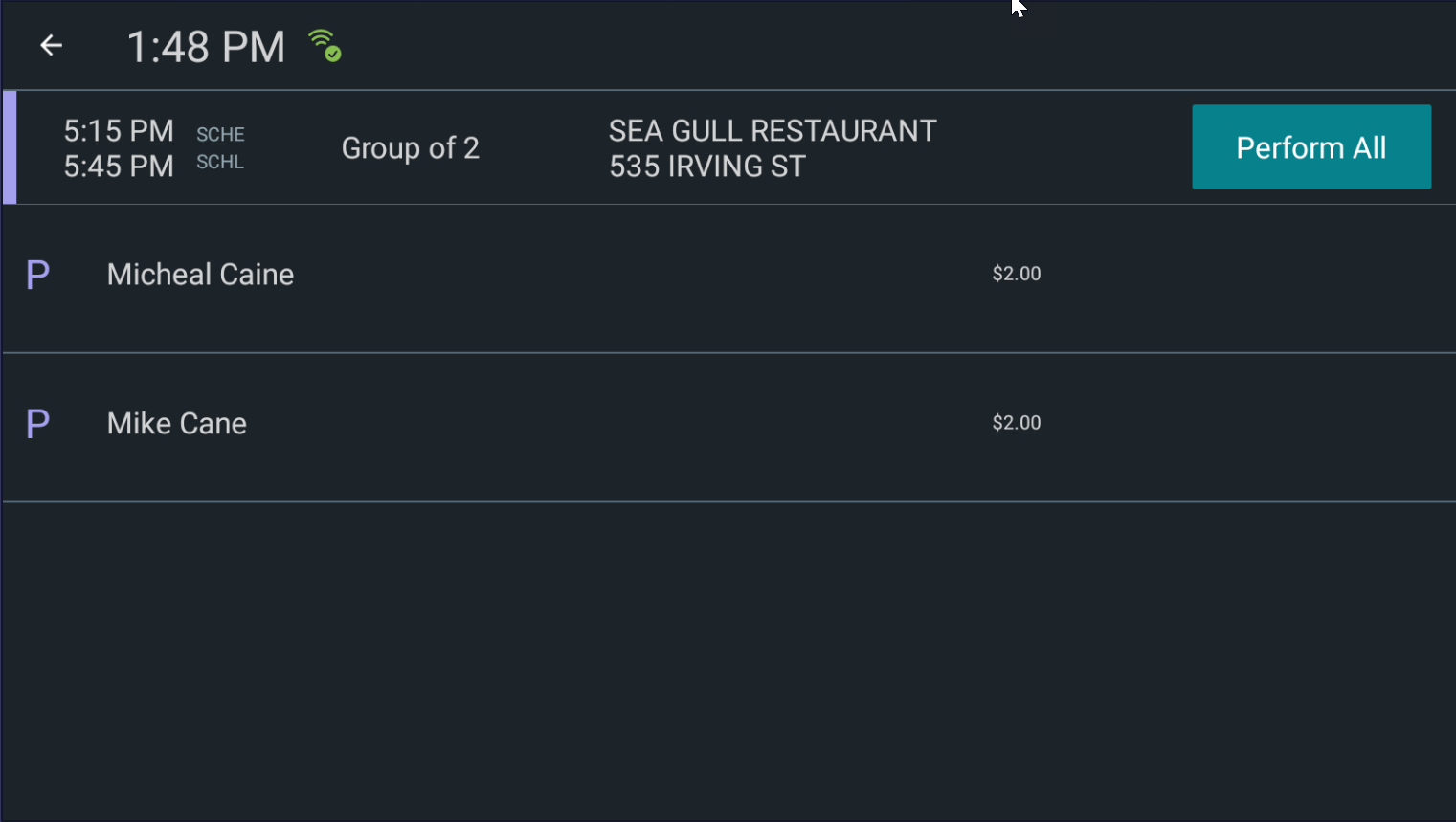
You are taken to the Perform screen where the names of the clients in the group are displayed along with their fare.
-
Tap Perform All.
Note:If you are collecting fares, tap each pick-up within the group, and then tap Collect Fare. Once fare has been collected from all pick-ups, tap Perform All.