
What's New in 24.0.1.114 (Side Load) (MGP)
Portrait Mode is a new feature in DriverMate version 24.0.1.114.
Portrait Mode for DriverMate
Version 24.0.1.114 introduces Portrait Mode, which offers enhanced flexibility by allowing DriverMate to be viewed in portrait orientation without the need for any setting changes. To activate this mode, simply rotate your tablet vertically. The following screens were updated as part of the Portrait Mode feature:
- The user interface adjusts to either landscape (horizontal) or portrait
(vertical) orientation when rotated.
The Login Screen in Portrait:
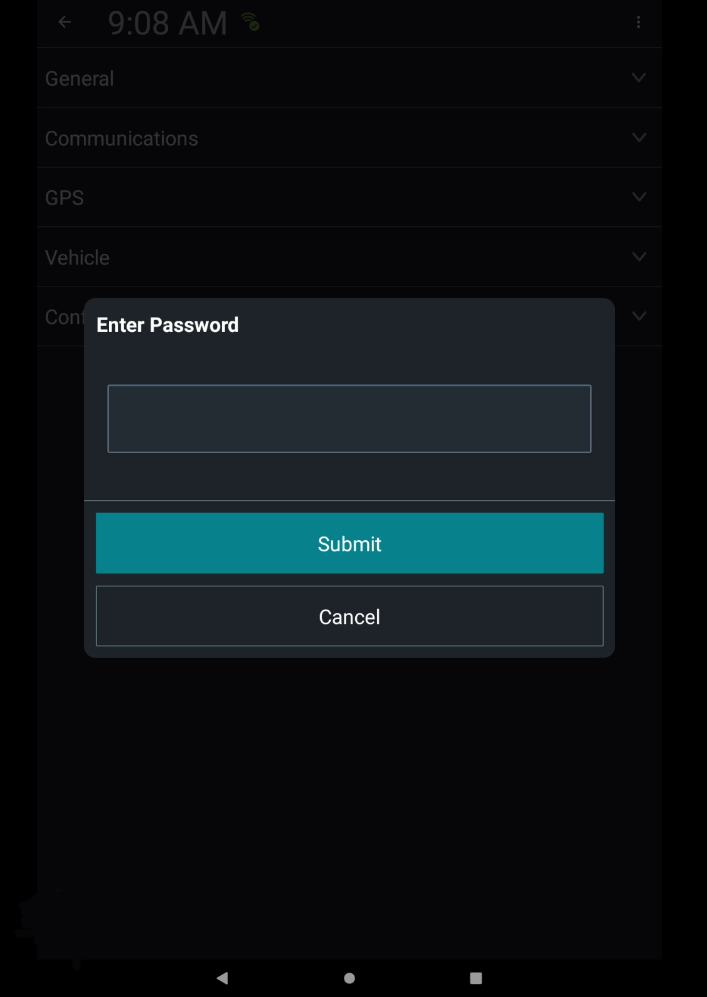
The System Administrator Enter Password Screen in Portrait:
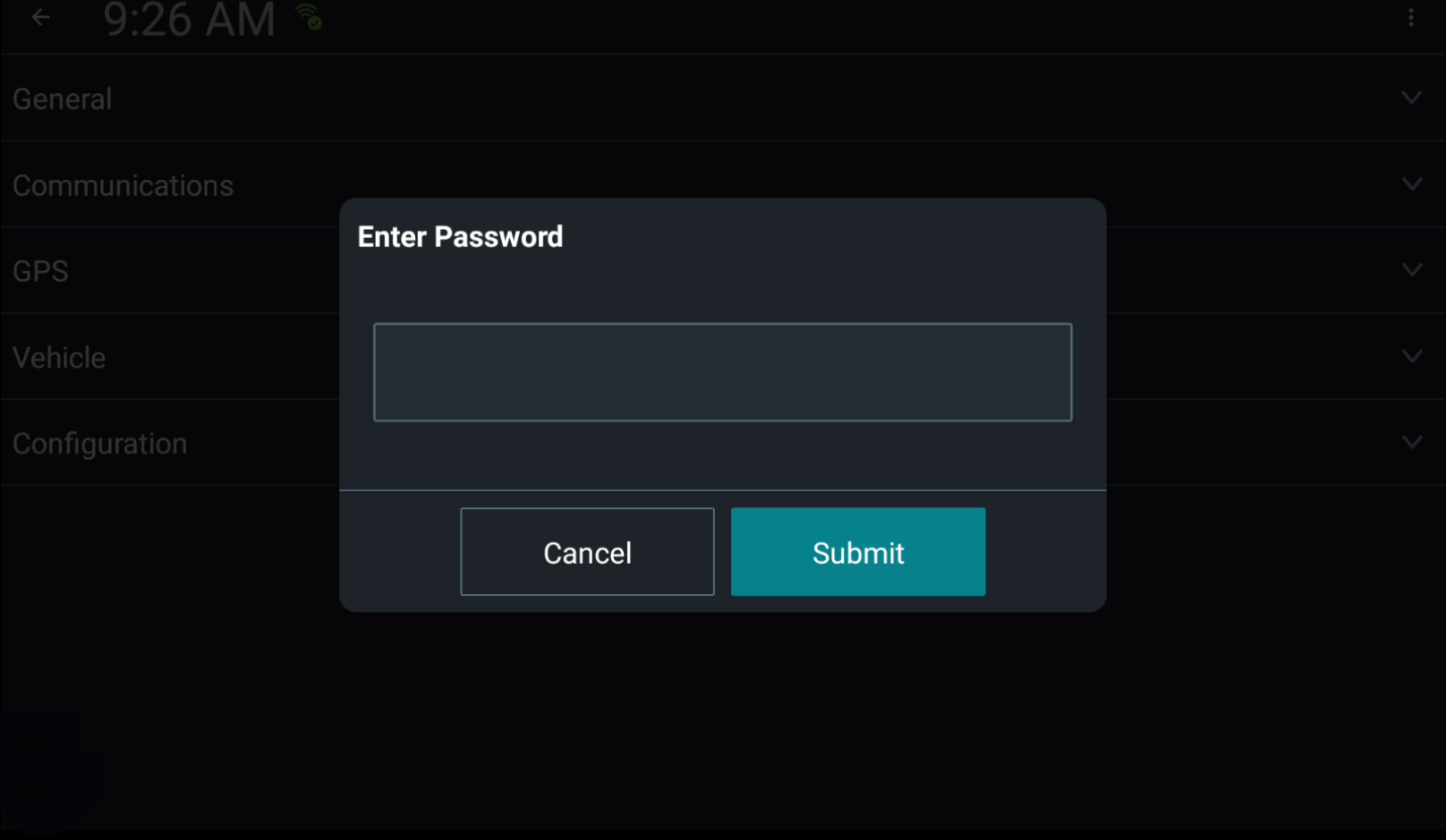
The System Administrator Enter Password Screen in Landscape:
- The user interface has been rearranged to better suit portrait
mode.
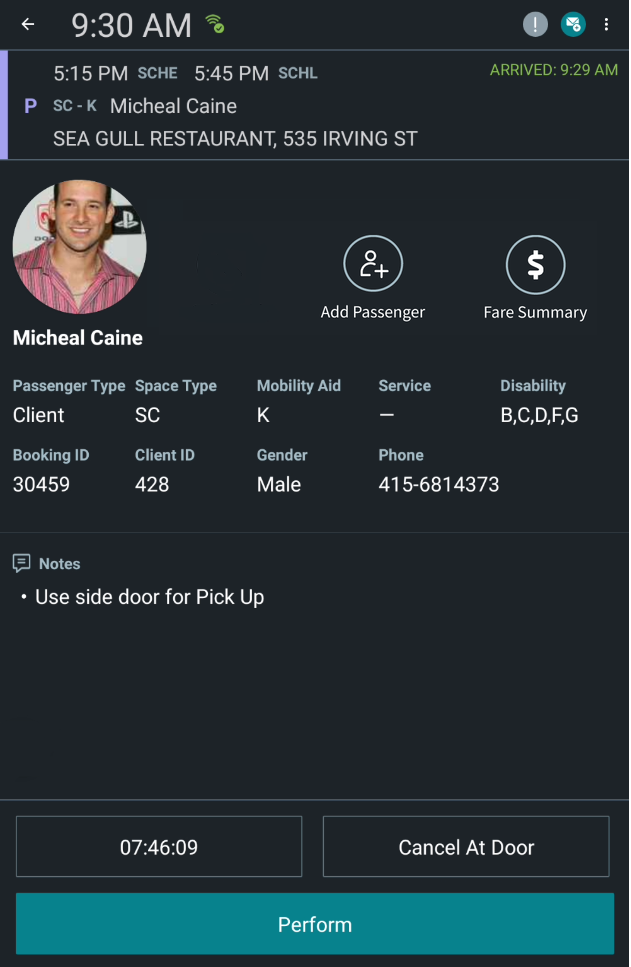
The Client Details Screen in Portrait:
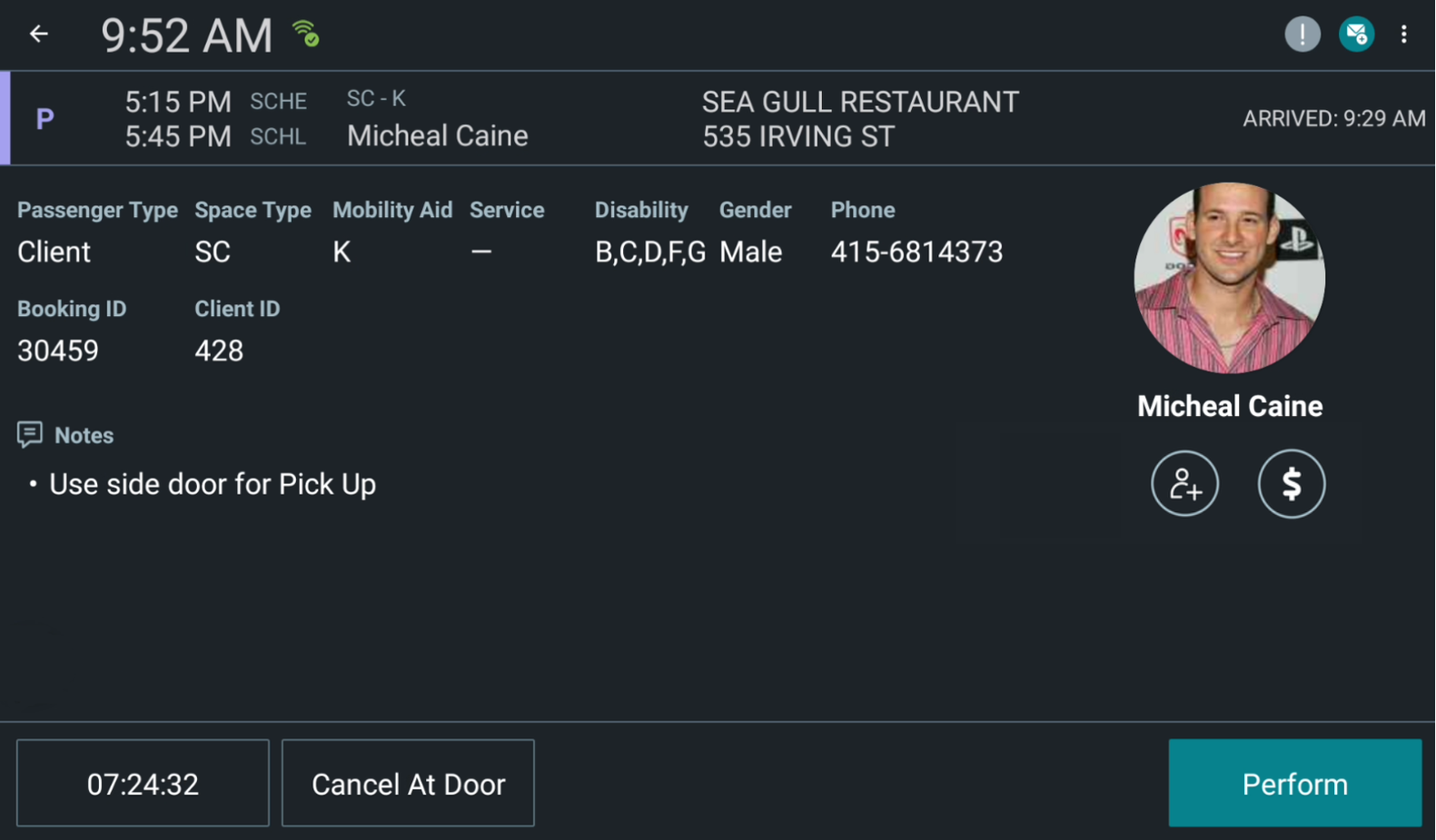
The Client Details Screen in Landscape:
- Group Events
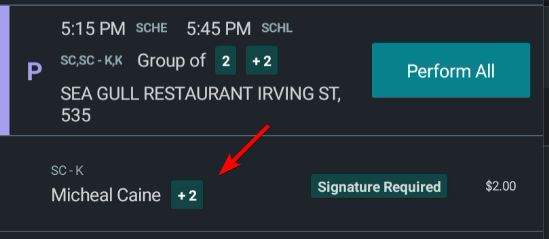
- Beside the passenger's name, a number indicates additional
passengers who have been added to the group event. Click on the
number icon to view each passenger.
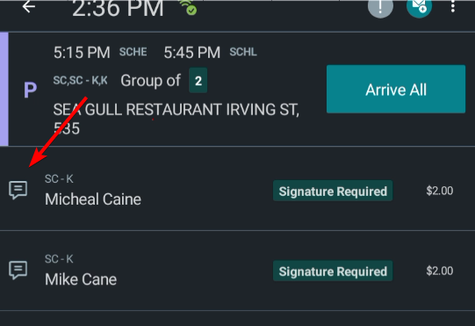
- If a note has been added to a group event, a message icon is
displayed to the left of the passenger's name.
- Beside the passenger's name, a number indicates additional
passengers who have been added to the group event. Click on the
number icon to view each passenger.