
Importing Workspaces
You can change the appearance of your workspace by importing a workspace that may have been configured by another person.
-
On the left pane, click .
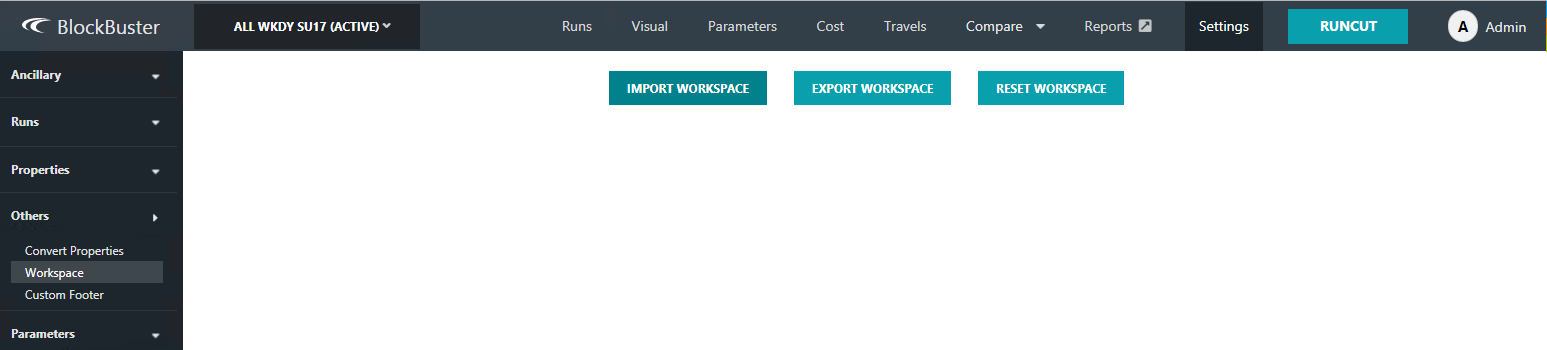
The Worskpace screen appears.
-
Click Import Workspace.
The Open dialog appears.
- Navigate to the workspace (json) file you want to import and click Open.