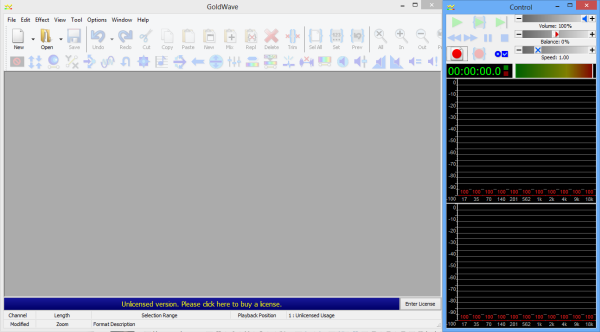
Opening the GoldWave Screen
You must install and configure the GoldWave folder in an appropriate folder in your workstation.
-
On the GoldWave folder, click
Goldwave.exe.
The GoldWave screen appears. The Control window automatically appears beside the GoldWave screen. See the right section of the screen in the following graphic: