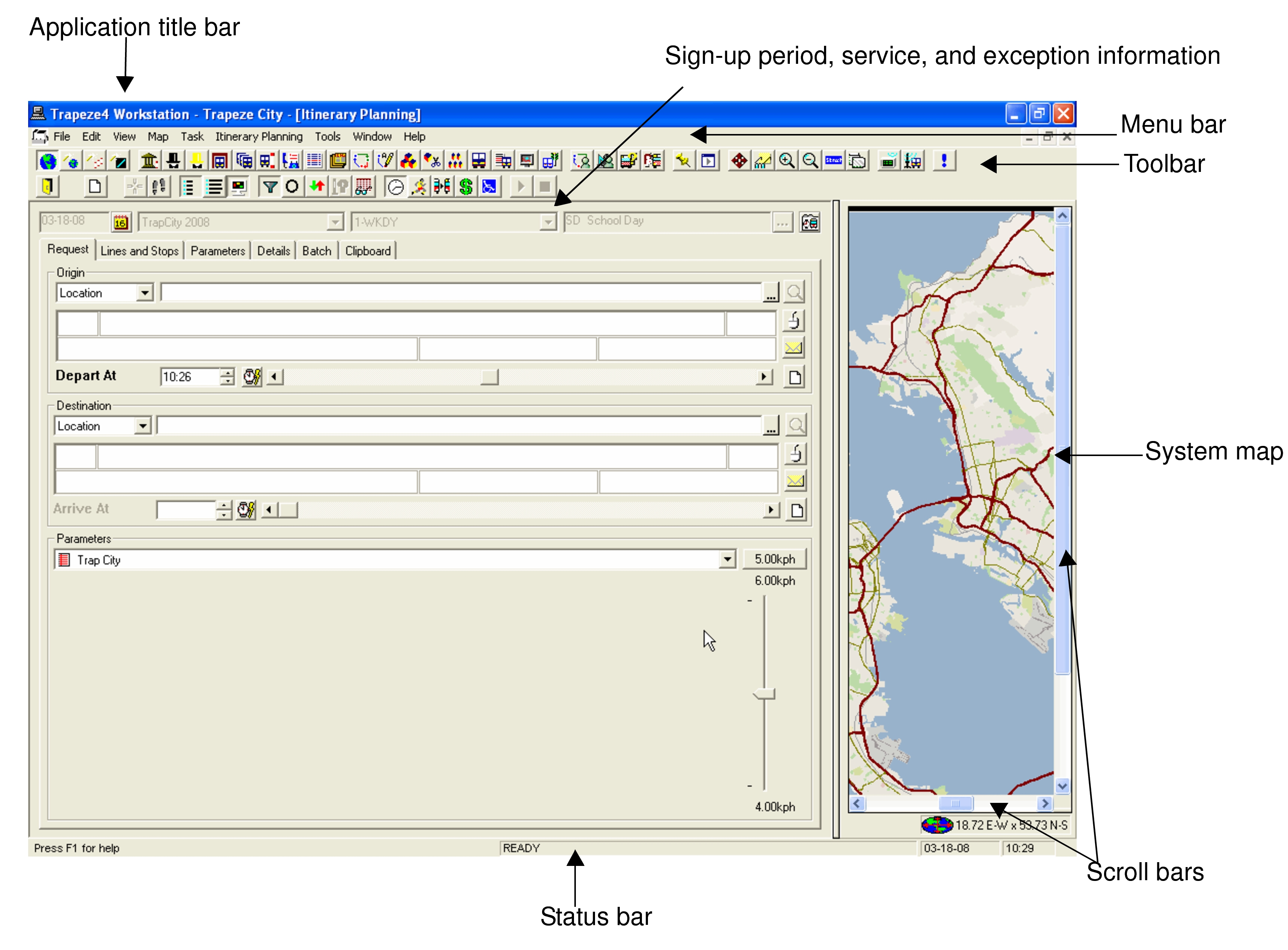
The references made in the following graphic outline
menus, bars, and buttons that are referred to throughout this guide and that comprise the
Trapeze4 workspace.
The Itinerary Planning screen is the main screen of INFO-Agent. In
addition to Itinerary Planning, you can access and use the following screens:
Headway wizard
Street wizard
Find Closest wizard
Remarks
System map
The following graphic shows a sample Itinerary Planning screen.
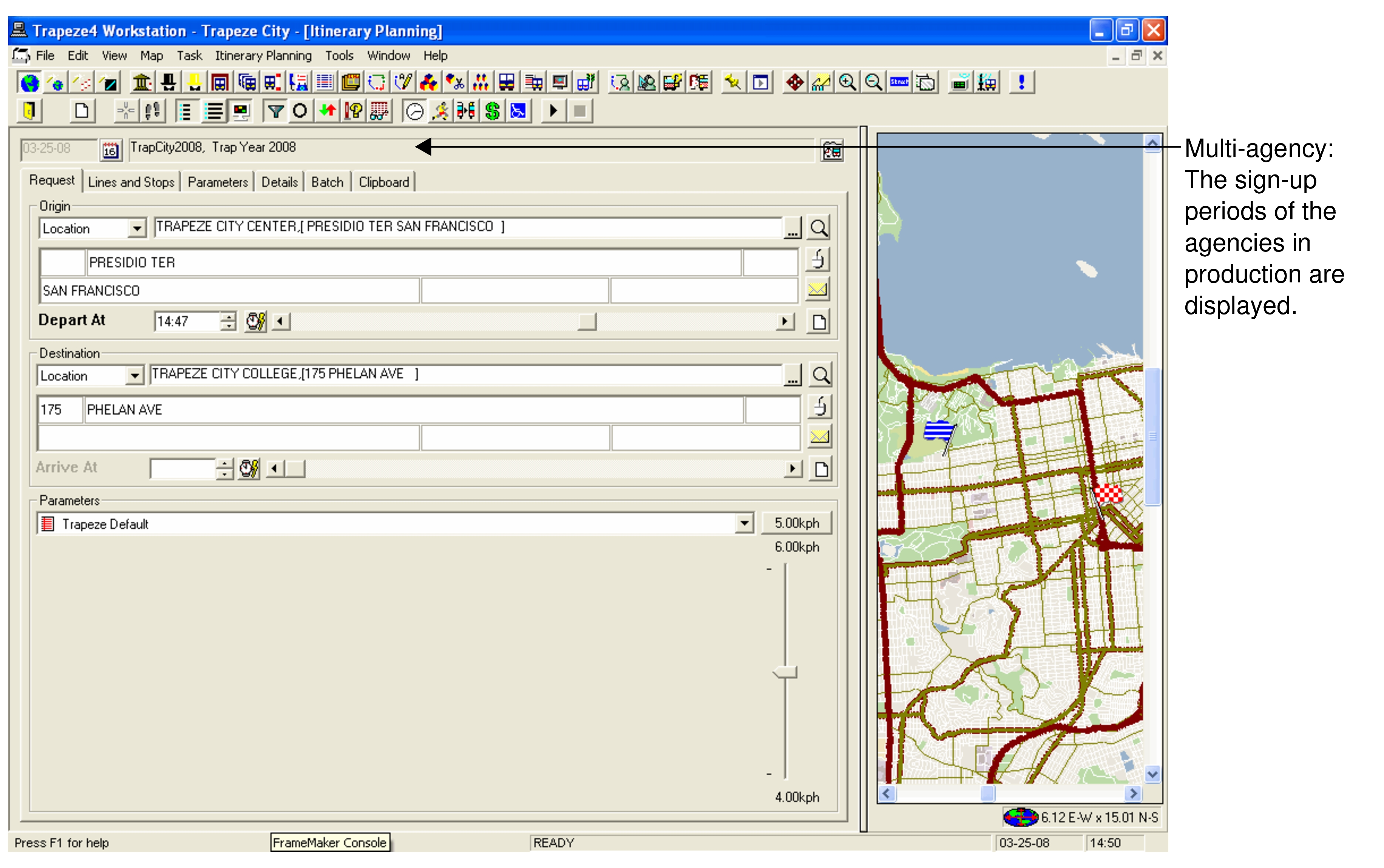
In a multi-agency environment, the sign-up periods of the agencies in production are shown in
the Sign-up period field above the tabs on the screen.
Note: The appearance of your Itinerary Planning screen may be
slightly different from what you see in these examples depending on your site
requirements.