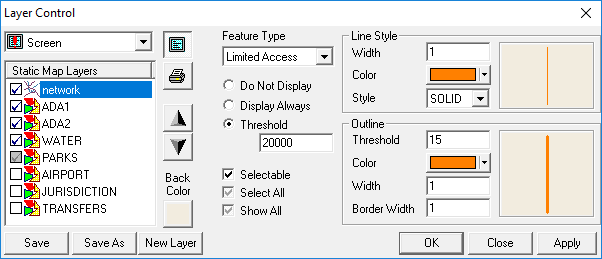
Opening the Layer Control Dialog
The system map consists of different layers of information that can be displayed one at a time or all at once.
Do one of the following:
- Click .
- Right-click on the map and click Layer Control.