
Adding Remark Categories
You can create Remark Categories depending on what is relevant or useful to your site.
-
In the Remarks dialog, click .
The InfoRemarkCategory dialog opens.
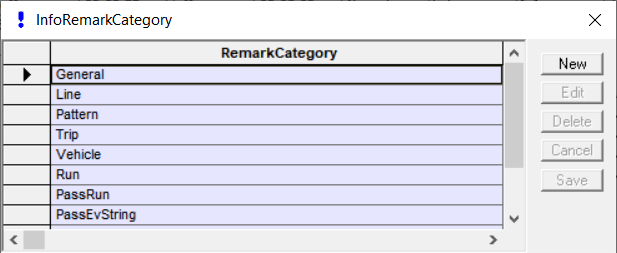
-
Click New.
A new Remark Category field is added to the grid.
- In the blank field, type the name of the new category.
- Click Save.