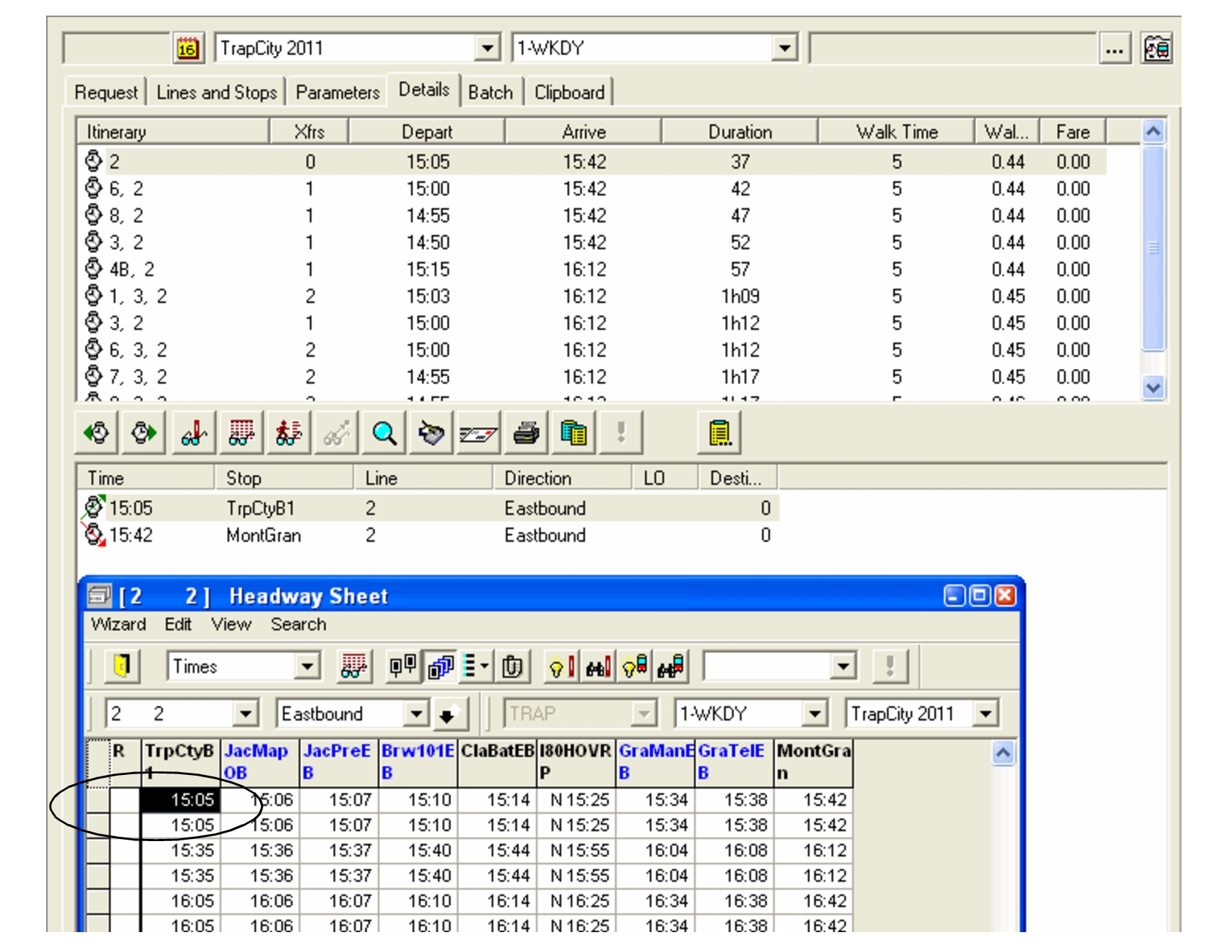
You can open the Headway Wizard while in the
Itinerary Planning screen.
On the Lines and Stops tab, select a line and click the
Headway button:
The Headway Sheet screen appears.
Instead of showing the first trip of the day, the time of the first stop of the selected line is highlighted and shown on top of the grid. To view the first trip of the day, scroll to the top of the sheet.