
Viewing Purchased Client Transportation Units
When a client purchases transportation units, only those that are applicable to the client are shown.
Before you begin
Procedure
- Search for and select the Client for whom to review transportation units.
- Click the Transport Units tab.
-
In the Transport Units Balance frame, click the
Transport Unit type to be viewed:
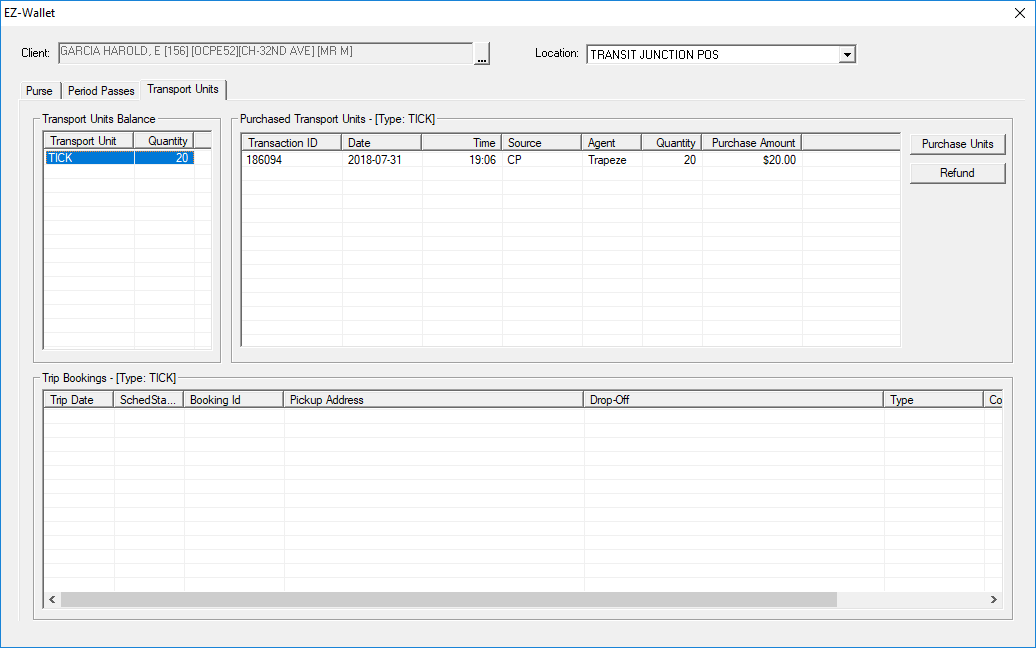
- In the Purchased Transport Units frame, review the list of transportation units that the client has purchased.
- In the Trip Bookings frame, review the list of transportation units that the client has purchased.
- Click the X to close EZ-Wallet.