
Configuring Backtracking Switches
Backtracking switches are configured in the Trace Options dialog box of the Schedule Server application window.
Procedure
- Click .
-
Click the Switches tab, and then expand the folder.
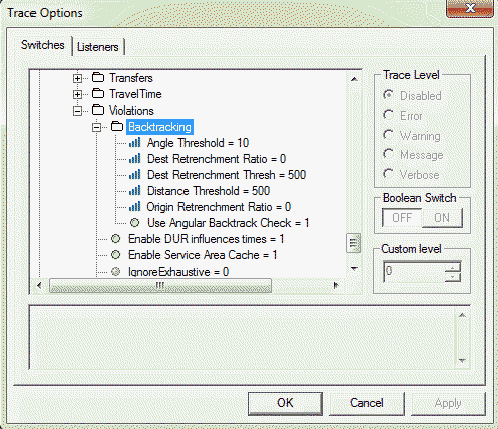
Backtracking switches are configured in the Trace Options dialog box of the Schedule Server application window.