
Preparing the Database
DBEdit 3.3 or later is used to compare the *.db-schema files against your data source.
About this task
Procedure
-
Navigate to and open
<path>\TP6\Bin\DBEdit-3.3.
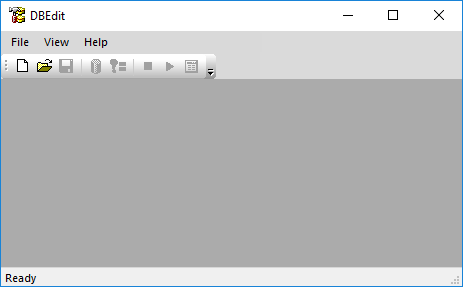
DBEdit appears.
- Click .
- Search for and open the following *.db-schema file located in <path>\TP6\Modules: PassTripBrokerTransaction.db-schema
-
Search for and open the following files:
- Cmn.db-schema
- Core.db-schema
- CoreLog.db-schema
Each file opens in its own tab. -
In each tab, click the Compare button:

-
If you are asked to connect to the database, select the PASS database and click
OK on all of the prompts that follow.
A Compare Differences With Dbd dialog box appears. If updates are required, they are listed in the screen.
-
Click Select All, and then click Apply to
Datasource.
Close the tab when the changes have been applied. If no updates are required, close the tab.
- Perform a compare and update the data source for the remaining files.