
Configuring System Properties in the Trapeze4 Workstation
System properties allow transit agencies to customize system behavior.
Procedure
- Start Schedule Server.
- Start the Trapeze4 Workstation.
- In the Workstation, click .
-
On the Profile tab, expand PASS
Scheduling.
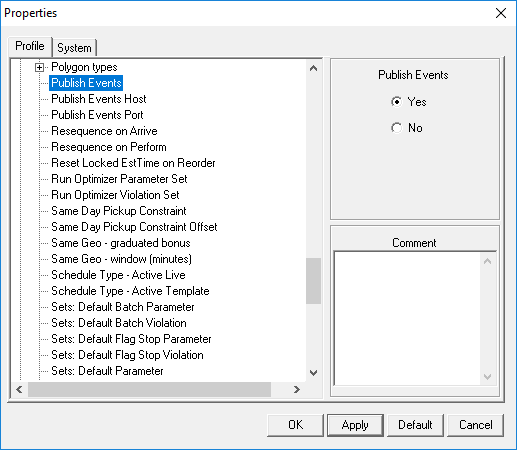
-
Define the following system properties:
- Publish Events
- Select Yes.
- Publish Events Host
- Type the IP address of the Trapeze6 Service Shell used for Trip Broker.
- Publish Events Port
- Type the port number used to connect to the Trapeze6 Service Shell's host port number for Trip Broker.
These properties help reduce the load in Schedule Server and increase overall performance. - Click OK.
- Restart Schedule Server.