
Logging On to Trip Broker
Use a web browser to log on to Trip Broker.
Procedure
-
Go to the Trip Broker website:
Trapeze recommends using Internet Explorer.
-
The address might be saved in the browser favorites, or a shortcut to Trip Broker might exist on the computer desktop.
-
In a web browser, type the website address in the following format:
http://<IP address>:<port number>An example of an IP address is:
http://172.16.2.151:25/ - If a domain name has been set up for the website address, in a web browser, type the URL.
The Login and Password fields appear on the screen.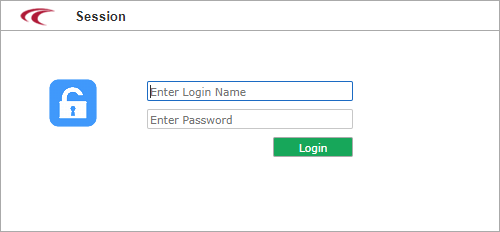
-
- Type your Login and Password in their respective fields.
- Click Login.