
Copying Run Types
You must copy the run types first before you are able to copy any of the run type categories or run type garages.
-
On the screen toolbar, click the Copy Run Types button:
 The Copy Run Types dialog appears.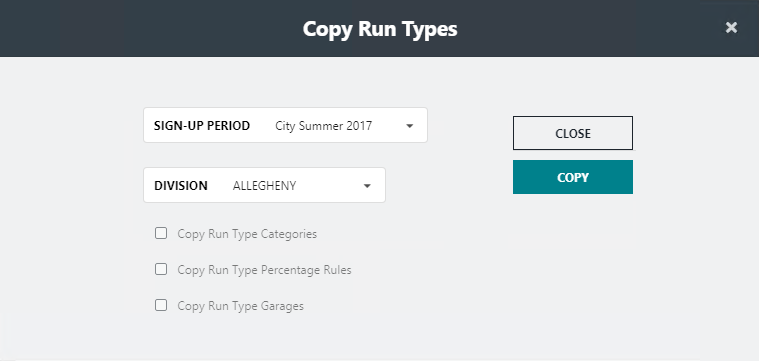
- In the Signup Period drop-down list, select the sign-up period from which you want to copy run types.
- Optional:
To copy the other run type data from the selected sign-up period, select the
appropriate check box:
- Copy Run Type Categories
- Copy Run Type Percentage Rules
- Copy Run Type Garages
Note: If the data has already been defined, these options appear shaded. - Click Copy.