
Loading Parameters
You can load the parameters that you saved in a file in a different scenario to the scenario that you are currently working on. This is also useful in case you have played with several parameter combinations and wish to go back to the original parameters.
-
On the Parameters screen toolbar, click the Load
Parameters button:
 The Load Parameters dialog appears.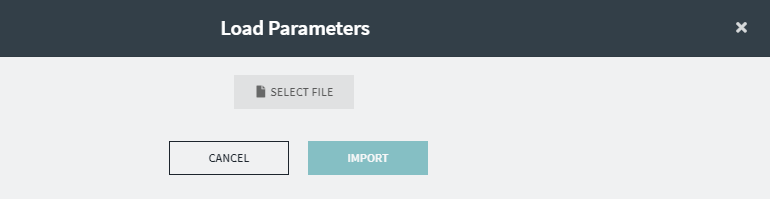
-
Click Select File.
The file directory appears.
-
Browse to the parameters (*.bbp) file you want to load and click
Import.
The parameters from the file overwrite the parameters on your screen. The system attempts to match the run type numbers, run type category names, and percentage rule names of the parameters you are loading and the scenario into which you are loading them.