
Logging On
To access BlockBuster Web on your browser, you must provide the necessary identification information.
-
Open the browser.
The Login fields are shown on the screen.
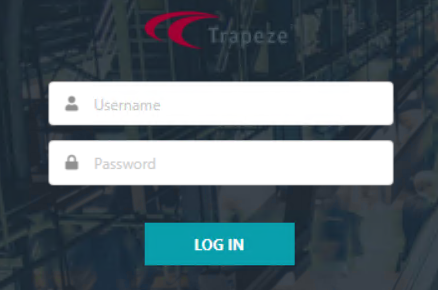
- In the UserName field, type your Trapeze user name.
- In the Password field, type your password.
- Click Log In.