
Changing Text Report Fonts
You change the font size and style on text reports for optimal viewing.
- Open the text report you want to modify.
-
On the screen toolbar, click the Font
button:
 The Font dialog appears.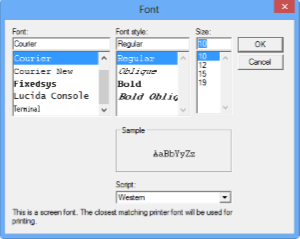
- Select the font, font style, and size that you want to apply.
- Click OK.