
Assigning Constraints Globally
You can also apply constraints to Miscellaneous Globals in the Block Optimizer Parameters by Situation screen.
-
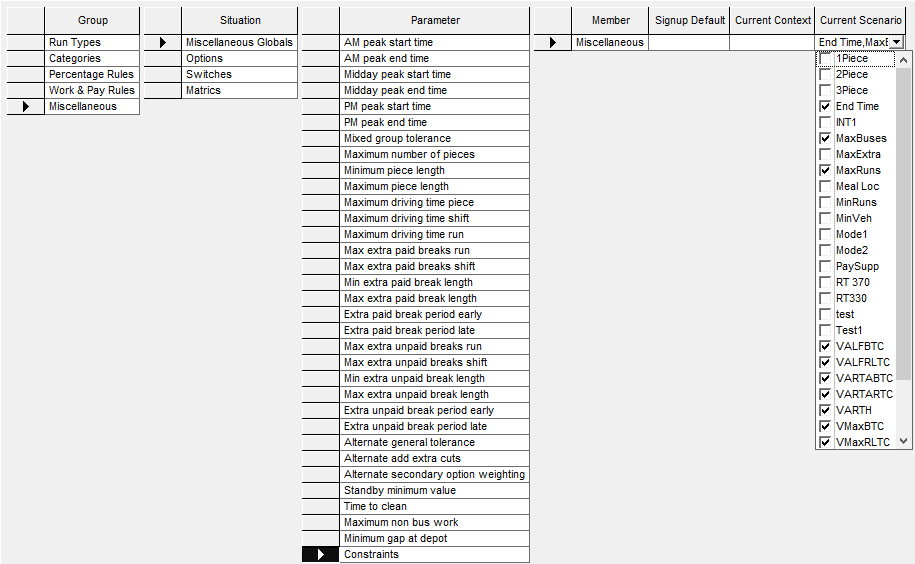
In the Group column, click
Miscellaneous, and select Miscellaneous
Globals in the Situation column.
The parameters associated with Miscellaneous Globals are shown in the Parameter column.
-
Click Constraints, and click the field in the
Current Scenario column.
The Current Scenario box shows the constraints from the Block Optimizer Constraint Parameters screen.
-
Click the constraints that you want to assign.
The names of the selected constraints are shown in the Current Scenario field of Miscellaneous in the Member column.
-
Click Save:
