Displaying Buffers on the Map
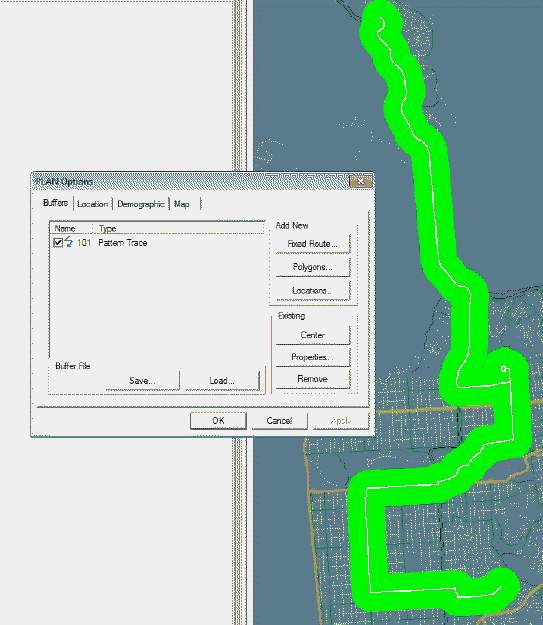
You can display a buffer on the map.
On the Buffers tab, select the check box beside the buffer you
want to display.
The following graphic shows the selected buffer represented by the highlighted
area on the map: