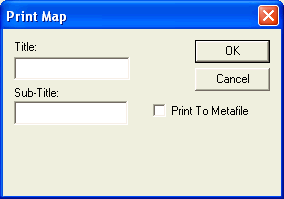
Printing the Map Data You can print the map data using the Print Map dialog box. In the Spatial Analysis screen, click Map > Print. The Print Map dialog box appears. In the Title field, type a title for the map. The title appears when the map is printed and on the exported image, if that is selected. Click OK. The Print dialog box appears. Proceed to print the output.