Viewing Summary and Selected Records
You can view the number of clients and bookings in the analysis. You can also view the trips taken by the selected client during the time specified for the analysis based on selected filters.
-
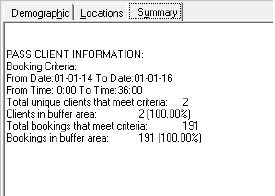
To view the number of clients and bookings in the analysis, click the
Summary tab.
The following graphic shows a sample summary:
-
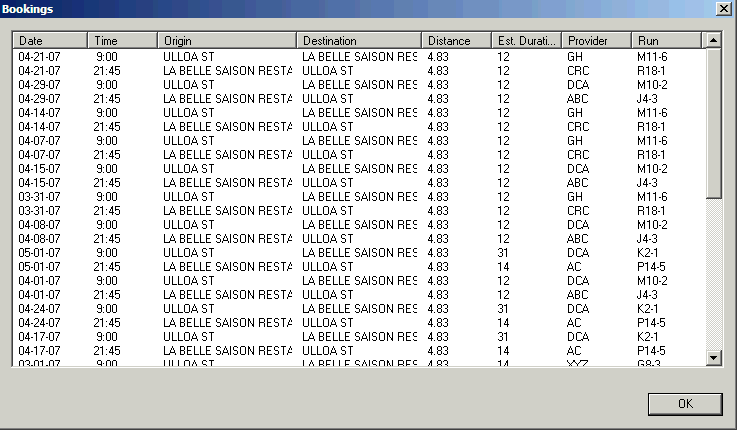
To view the trips taken by the selected client during a specified time based on
selected filters, double-click the row header of the client’s record.
The Bookings dialog box appears.