Using the Locations Tab
You can zoom in on a point on the map or locate a record on the Locations tab.
-
To zoom in on a particular location point, click the row marker of the location
you want on the Locations tab, and then click the
Center button:
 The selected location point is centered on the map.
 -
To locate a record on the Locations tab, click a location
point on the map.
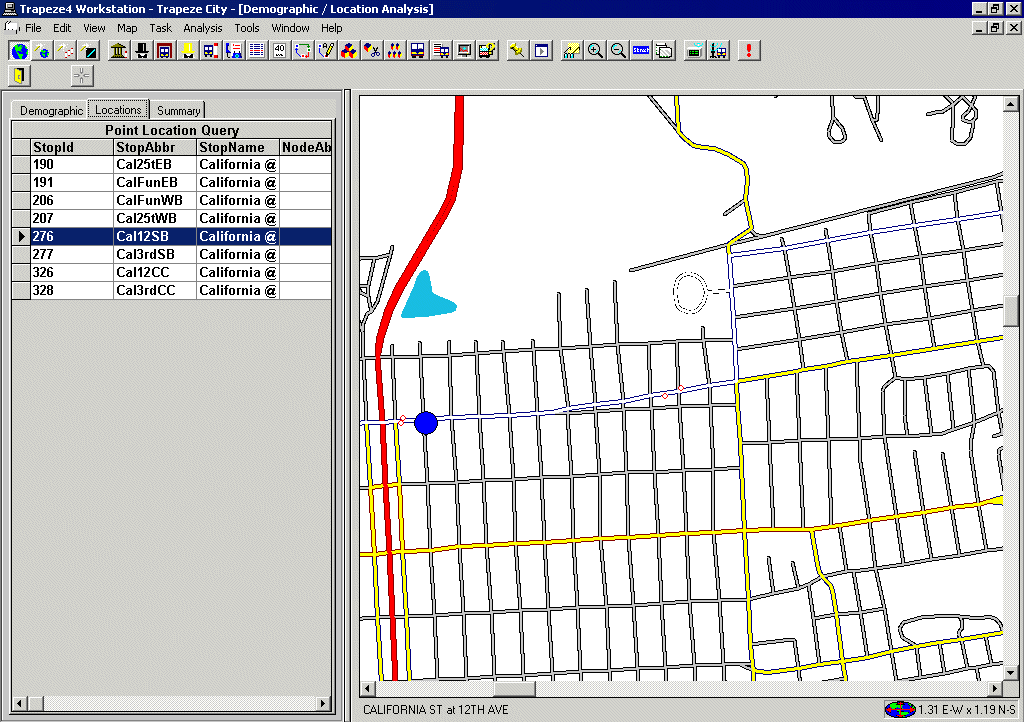
The selected point is shown as a blue dot on the map in the following graphic and the corresponding record is highlighted on the grid.