Opening Apps
Apps are used by power users and consumers to access previously published reports and dashboards.
-
Open the app.
- Use the ViewPoint app URL provided by the Trapeze ViewPoint team, or by your supervisor or a power user.
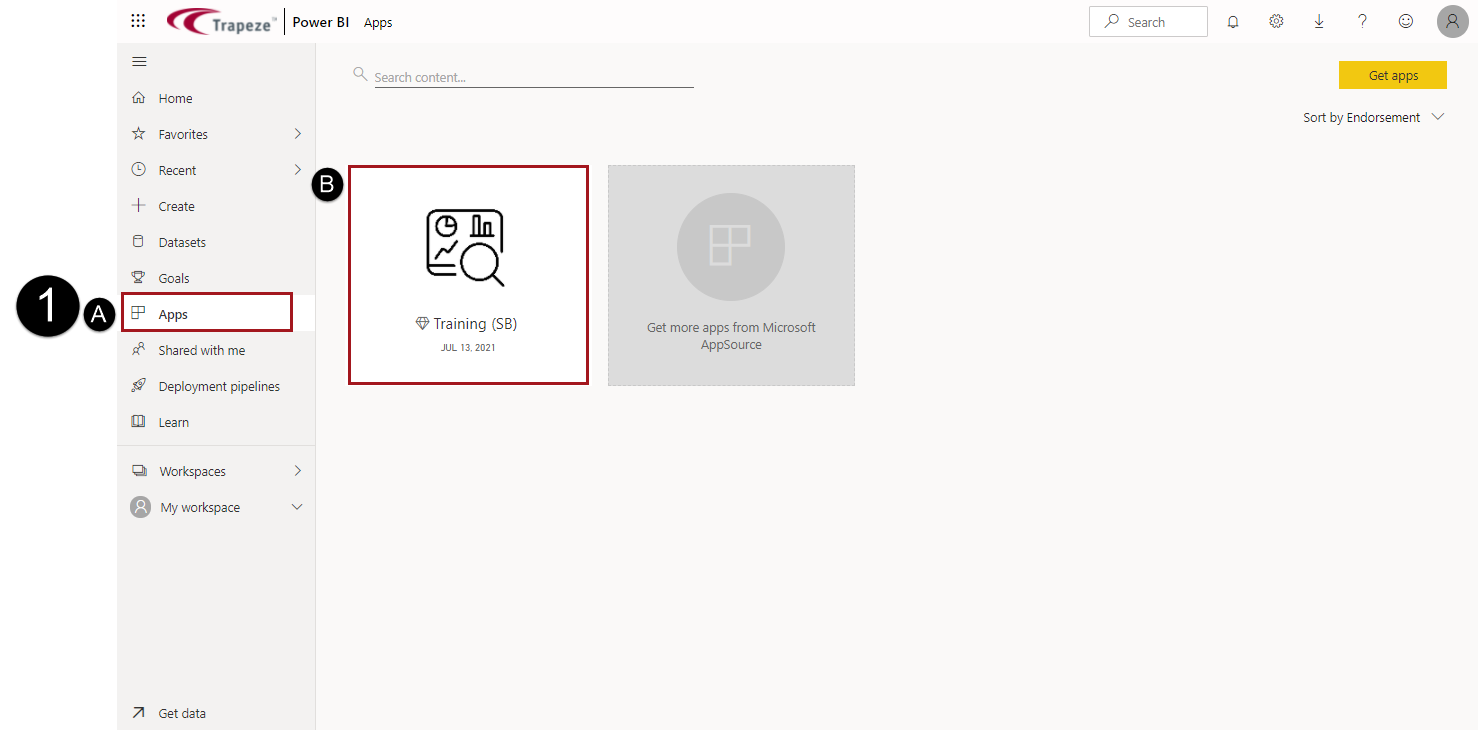
- In the workspace navigation pane, select Apps and
then the app to open.
-
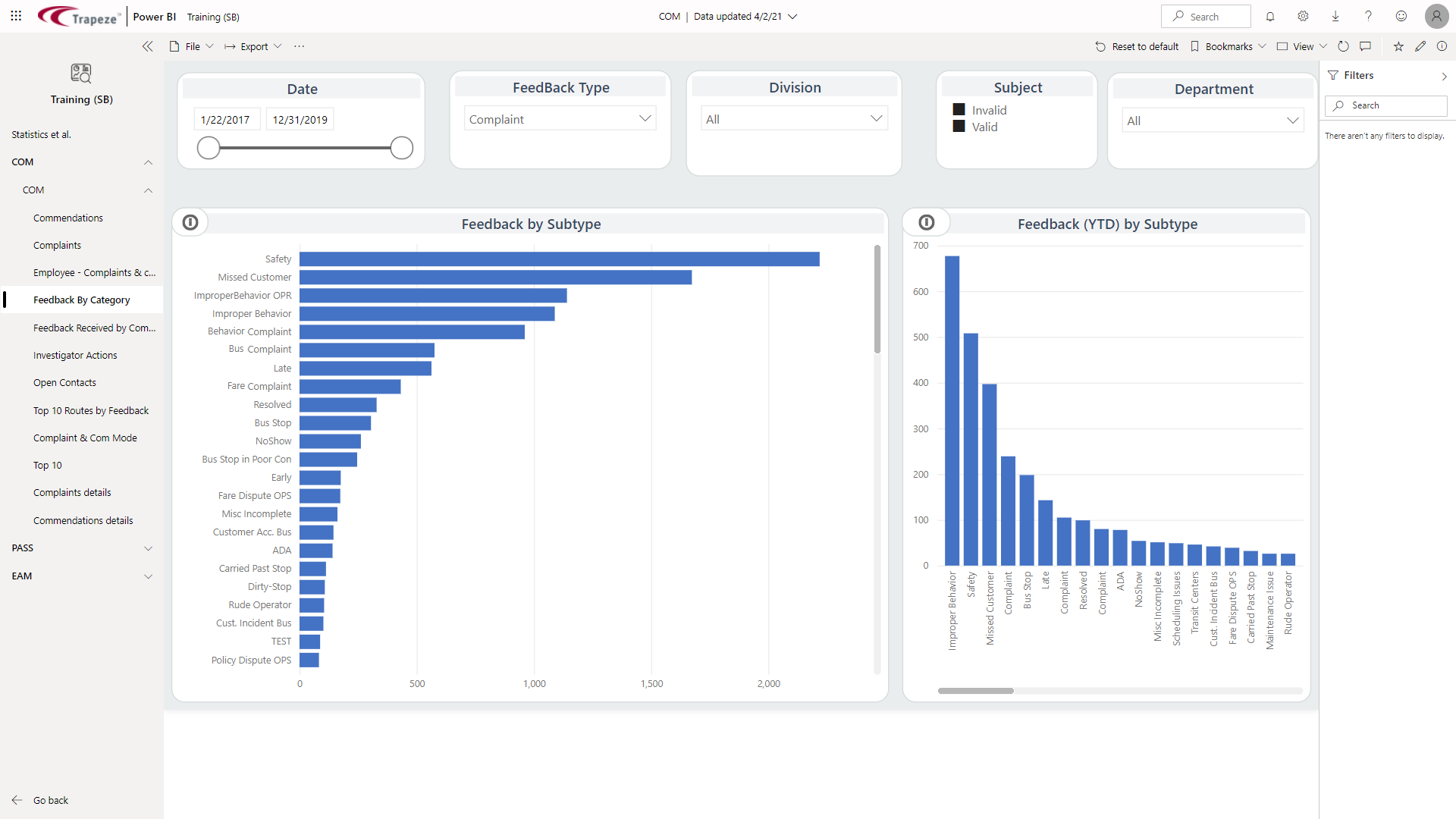
Use the navigation pane to select the dashboard, report, report page, or link
to view.