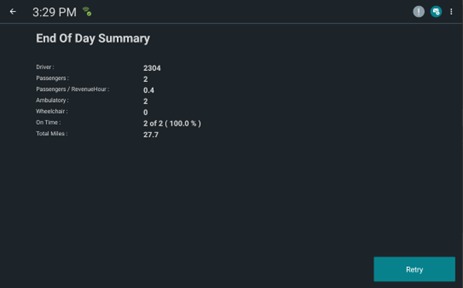
The End of Day Summary provides drivers an overview of their performance for the day.
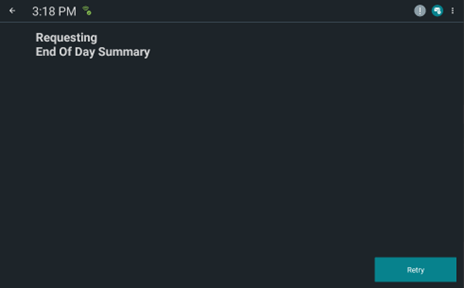
After performing the pull-in event, DriverMate automatically requests the End of Day Summary
from Trapeze PASS.
The summary cannot be modified and consists of the following:
Driver ID
Number of Passengers
Passengers Per Revenue Hour
Number of Ambulatory Passengers
Number of Wheelchair Passengers
On Time Performance
Total Miles
Configuration
The following table describes the settings that determine whether the End of Day Summary
feature is enabled and how long DriverMate has to wait for a response from Trapeze
PASS.
Table 1. End of Day Summary Settings
ID
Settings
Description
Default
2500
End Of Day Enable
Enabled - true
Not enabled - false
false
2501
End Of Day Max Wait Time (In Seconds)
The number of seconds to wait for a response from Trapeze PASS.
30 seconds
Operation
With the End of Day enabled, when the driver performs the pull-in event, DriverMate
automatically displays a screen indicating it has requested the End of Day Summary.
The screen is automatically updated with the End of Day summary after it receives the
information from PASS. To close the End of Day, tap the back button in the upper-left corner
of the screen.