
Viewing Maps
You can view the current location of your vehicle and destination on the map. Using the Google map buttons, you can also change the map view and navigate around the map for a better view
Before you begin
Procedure
-
On the bottom navigation bar, tap the Map button:
 The map is displayed showing the location of the vehicle destination.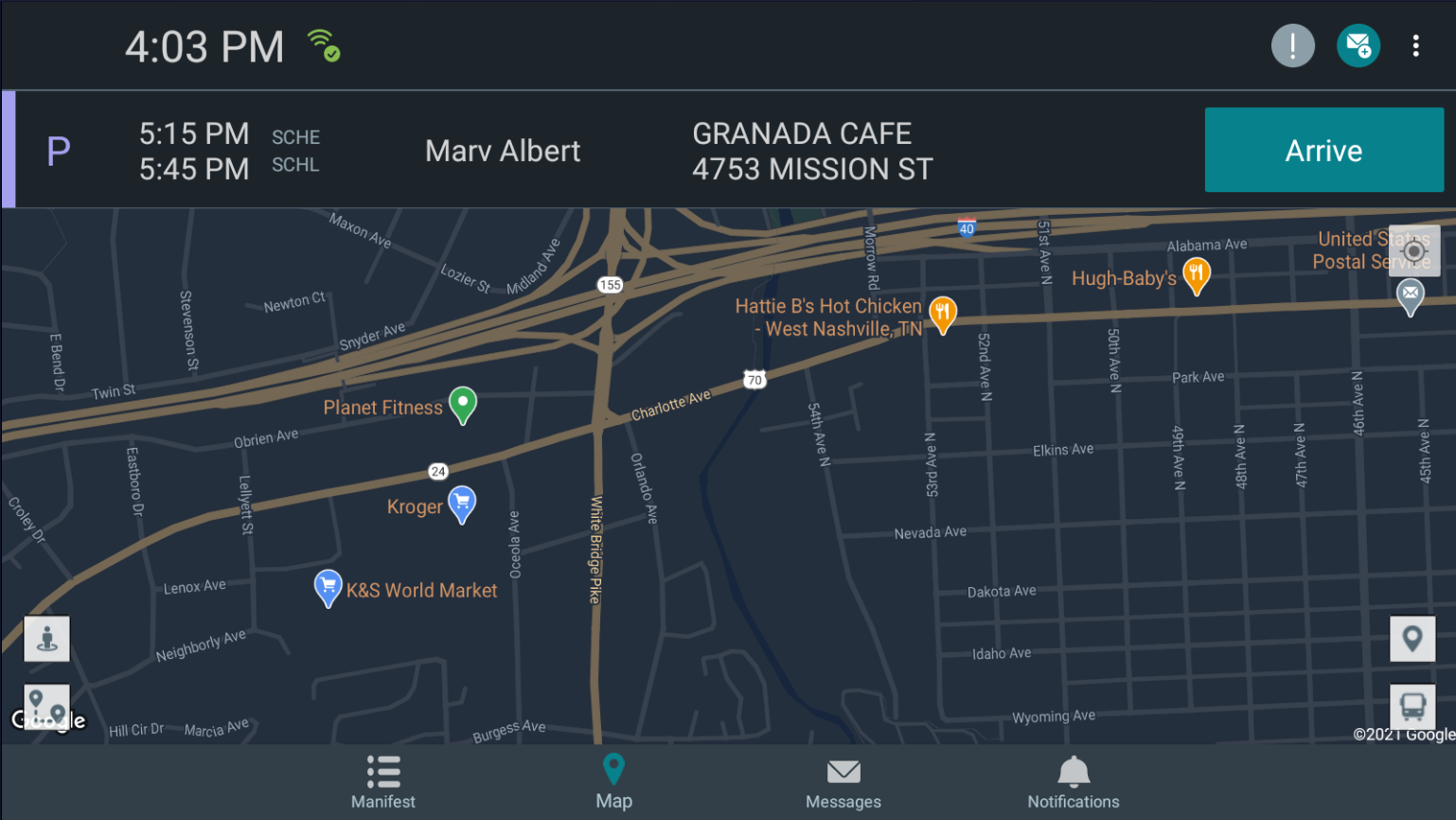
- Tap the appropriate Google Maps button on the map screen to change or view sections of the map outside of the current display.