
Driver Safety Screen
Driver Safety Screens is a safety feature designed to minimize driver interaction with the device while the vehicle is moving. The screens should provide enough information to allow you to perform the current work item and are automatically displayed when the vehicle starts to move.
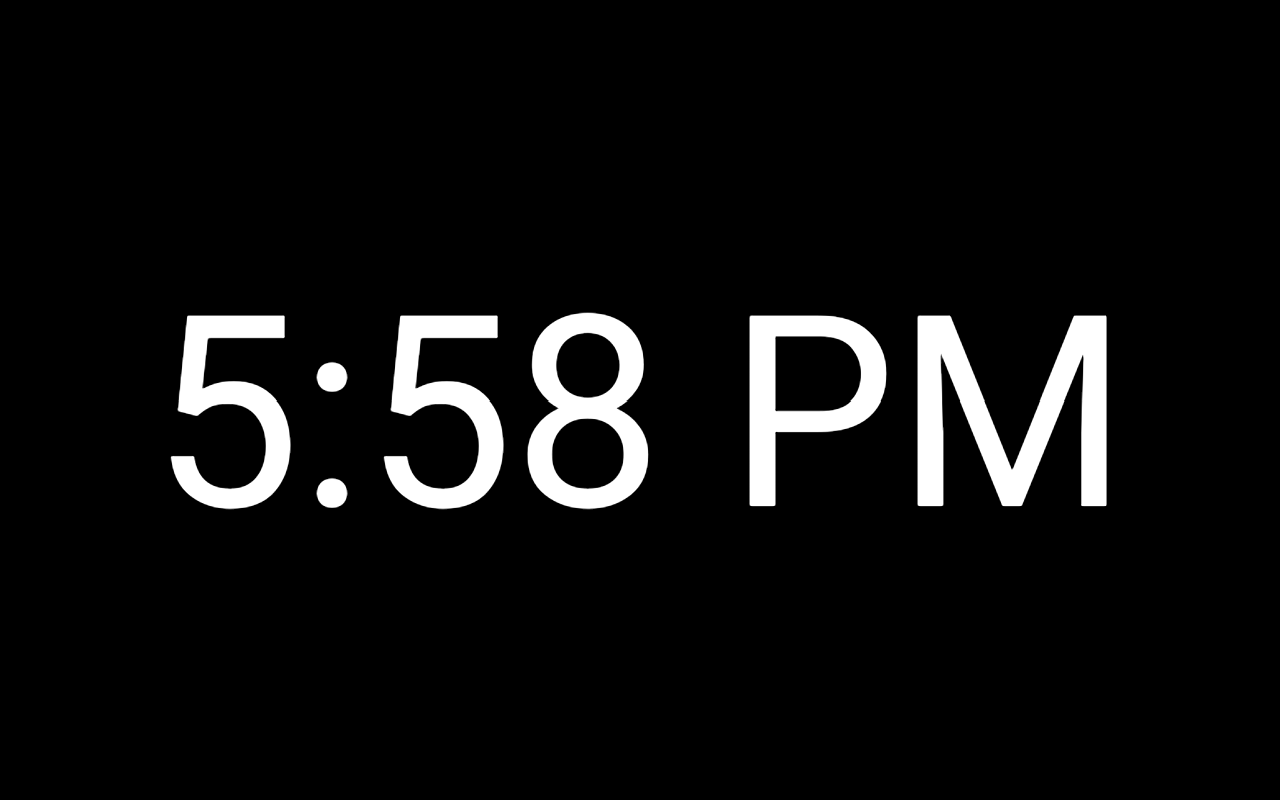
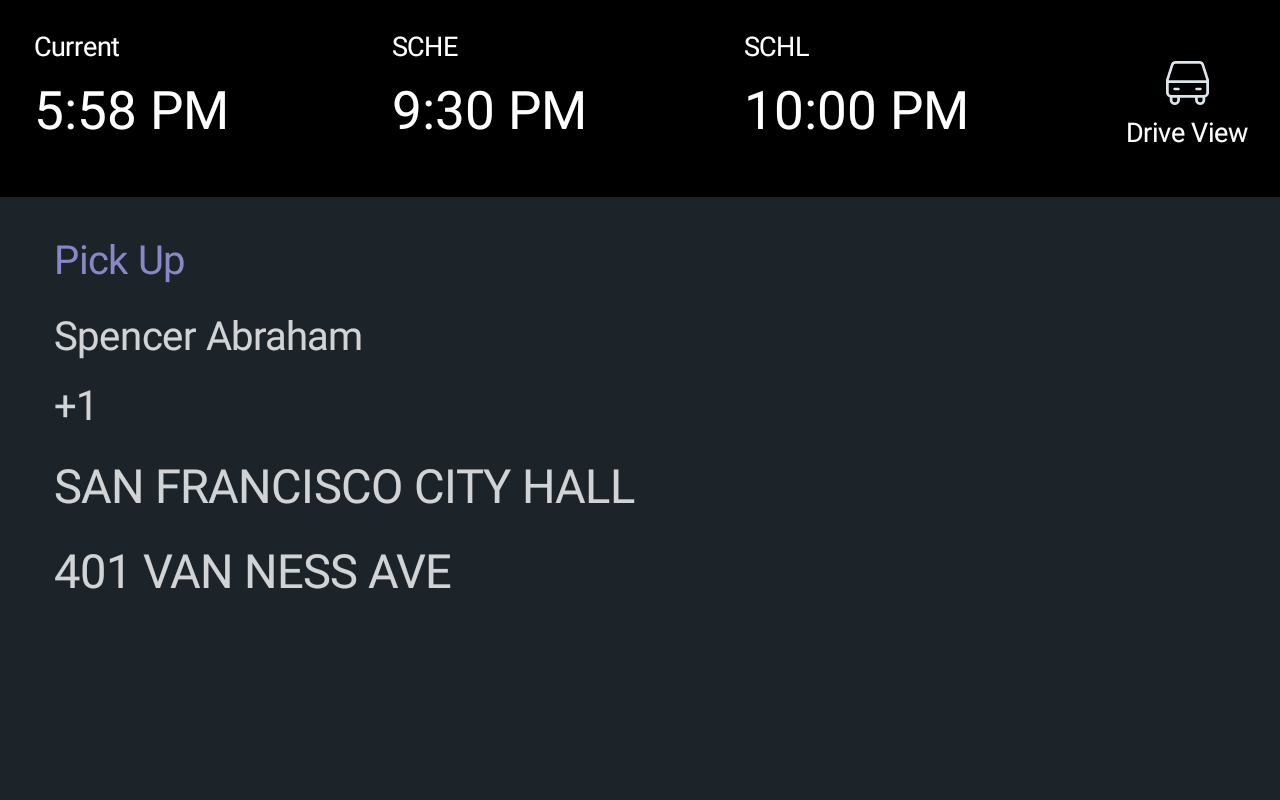
If the Driver Safety Screen feature is enabled, the screen can either show the
current time or the current or next event details on the screen as shown in the
following sample graphics:
| Configuration | Description | Example |
|---|---|---|
| Digital clock | Displays the current time while the vehicle is moving. |
|
| Event | Displays the current or next event while the vehicle is
moving. Note: If the user is not logged in or there is no event,
the screen displays a message, "Not
available". |
|