Defining Providers as Requiring Client Prepayment

System administrators can define providers as only servicing clients who prepay for trips in Providers ancillary data.

Before you begin

The Trapeze4 Workstation must be open. Providers ancillary data must be defined by a system administrator or your Trapeze representative. See the for more information.

Procedure

  1. Click File > Ancillary Data > Para > Organizations > Providers.
  2. Select the provider record to be updated.
  3. Click the Detail tab.
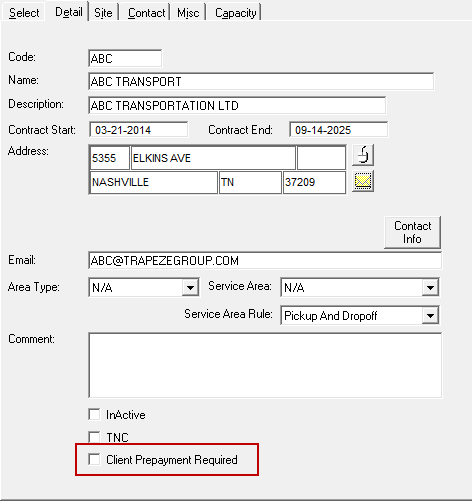
  4. Select Client Prepayment Required.
    Providers ancillary data open to the Detail tab with the Client Prepayment Required check box circled in red.
  5. Click the Save button:
    Diskette.