
Adding MDT Groups
An MDT Group places the different types of mobile computers together.
About this task
Procedure
-
Click .
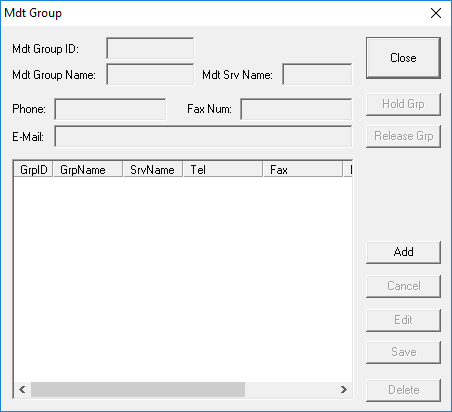
The MDT Group dialog box appears.
-
Click Add button.
The text fields are activated.
- Type the information of the group you want to add in the appropriate fields.
- Click Save.