Billing By Funding Source Report
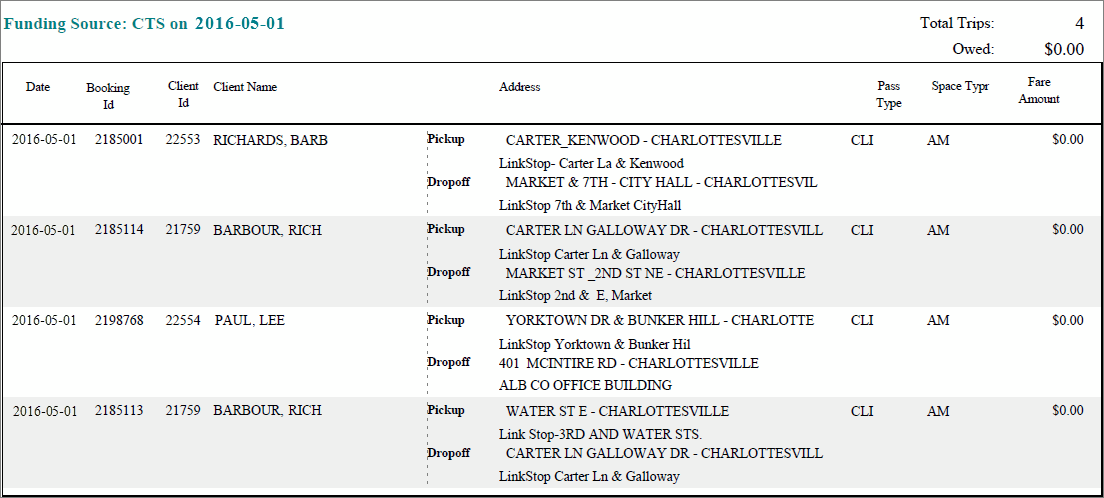
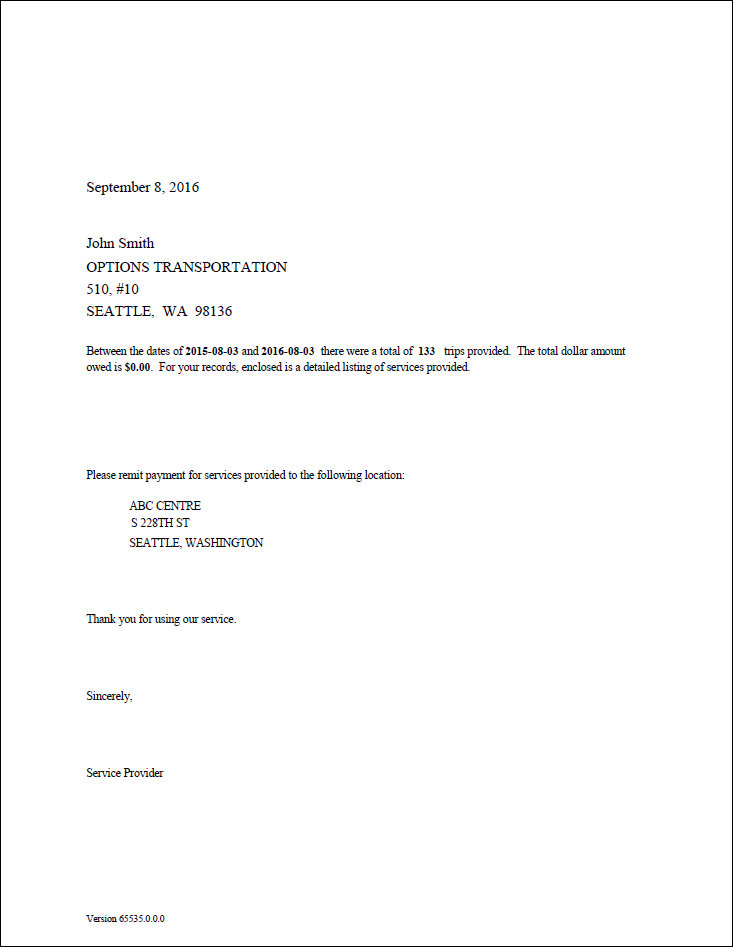
The Billing By Funding Source Report produces a billing letter and detailed report for each funding source.
The letter portion of the report can be used as an invoice. The detailed report shows records by funding source, with pick-ups from and to an address, fares associated with each trip, and a grand total for each funding source.
| Parameter | Description |
|---|---|
| From Date | First date of records in the report. |
| To Date | Last date of records in the report. Exception days are excluded. |
| Funding Sources | If All is selected, the report includes data for all funding sources. If All is cleared, select funding sources from the list. |
| Providers | If All is selected, records for all providers appear in the report. If All is cleared, select individual providers from the list. The options available to you depend on provider security. |
| Passenger Type | If All is selected, records for all passenger types are included. If All is cleared, select a passenger type (for example, CLI or COM) for the report from the list. |
| Include missed trips but transported | If selected, trips where the provider did not pick up the client within the promised time window but still transported the client to the destination are included. |
| Show Details | If selected, the report includes letters and the detailed report. If cleared, the report includes letters only. |
| Include Cancels | Cancel schedule status codes to be included. The available cancel codes are those that have been marked as Enabled in PASS ancillary data. Schedule Status Codes ancillary data is found in the Trapeze4 Workstation under . |
| Include No Shows | No show schedule status codes to be included. The available No Show codes are those that have been marked as Enabled in PASS ancillary data. Schedule Status Codes ancillary data is found in the Trapeze4 Workstation under . |