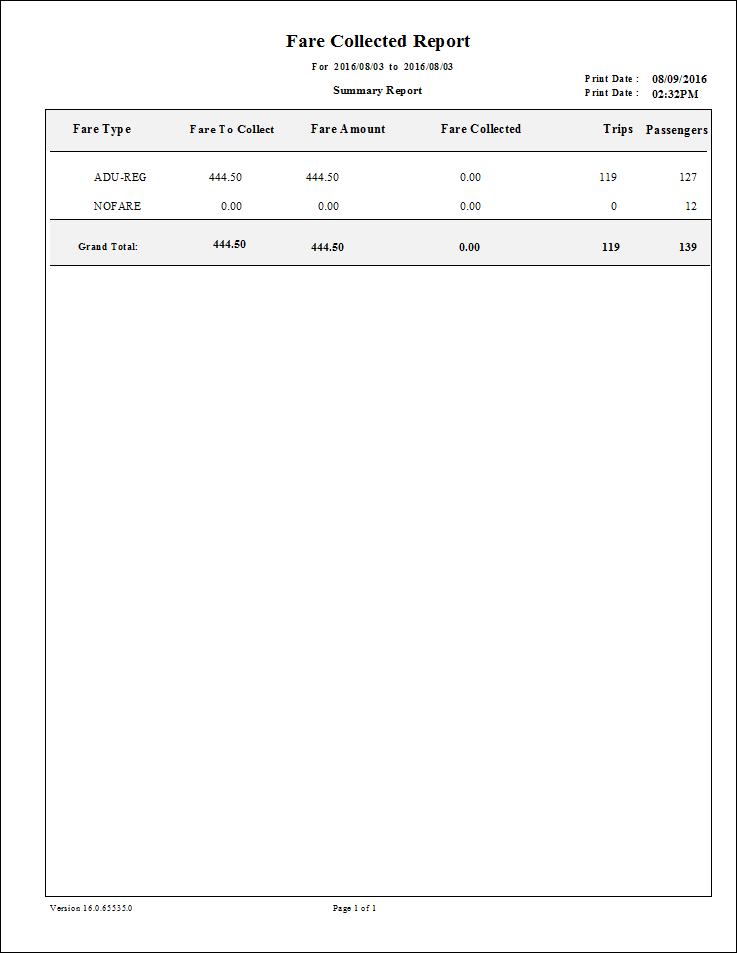
Fare Collected Report
The Fare Collected Report shows the difference between expected and collected fares on a daily, monthly, or yearly basis.
Summarized or detailed information can be presented for the specified date range.
| Parameter | Description |
|---|---|
| From Date | First date of records in the report. |
| To Date | Last date of records in the report. Exception days are excluded. |
| Schedule Type | Schedule type. Note: The report can only be run for live schedules. |
| From Route | First route in the report. |
| To Route | Last route in the report. |
| Summary by Fare Type | If selected, data is summarized by fare type. |
| Summary by Run and Fare Type | If selected, data is summarized by run and by fare type. |
| Details by Run | If selected, the report provides detailed information for each run. |
| Providers | If All is selected, records for all providers appear in the report. If All is cleared, select individual providers from the list. The options available to you depend on provider security. |
| Passenger Type | If All is selected, records for all passenger types are included. If All is cleared, select a passenger type (for example, CLI or COM) for the report from the list. |