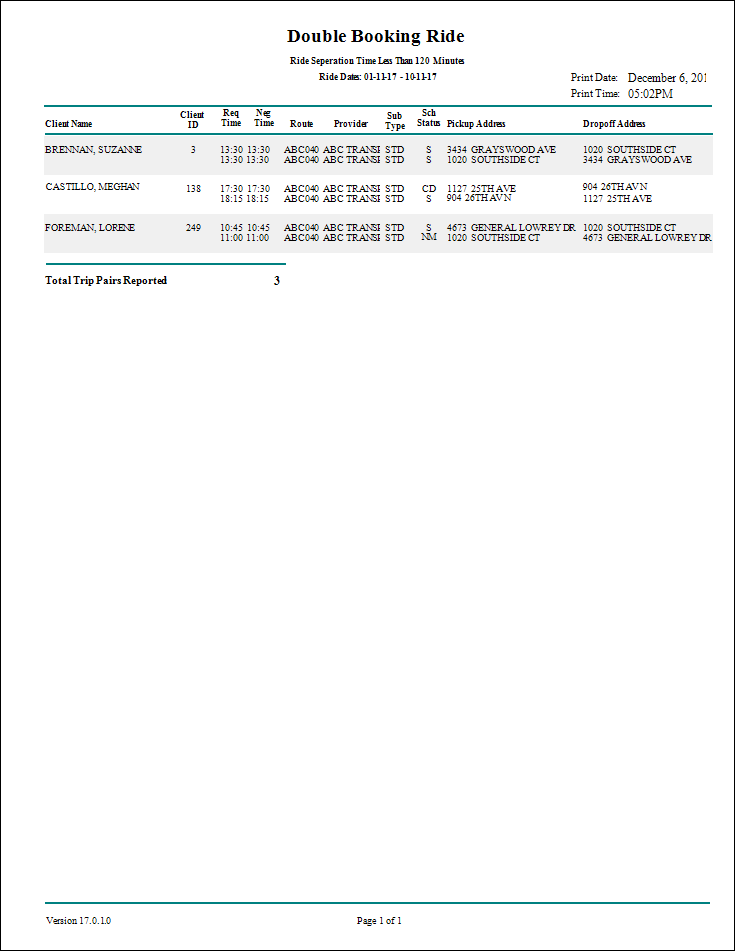
Double Bookings Report
The Double Bookings report lists trips that have been double-booked. You can specify the maximum amount of time between negotiated trip times for the trips to be considered double bookings.
| Parameter | Description |
|---|---|
| Schedule Type | Schedule type included in the report. |
| Date/Weekday | Specifies whether the report is for specific dates or days of the week. Choose
the option appropriate for the schedule type:
|
| Max Trip Start Separation (Minutes) | Maximum amount of time between booked trips for them to be considered double bookings. |
| Include Route 0 | If selected, trips not assigned to runs (for example, unscheduled trips) are included. |
| Not Include Advance Cancellation | If selected, the report does not consider advance cancellations. |