
Importing Parameters
You can import parameters from one sign-up period to another. BlockBuster Web attempts to match the run type numbers, run type category names, and percentage rule names of the two scenarios.
-
On the Parameters screen toolbar, click the
Import Parameters button:
 The Import Parameters dialog appears.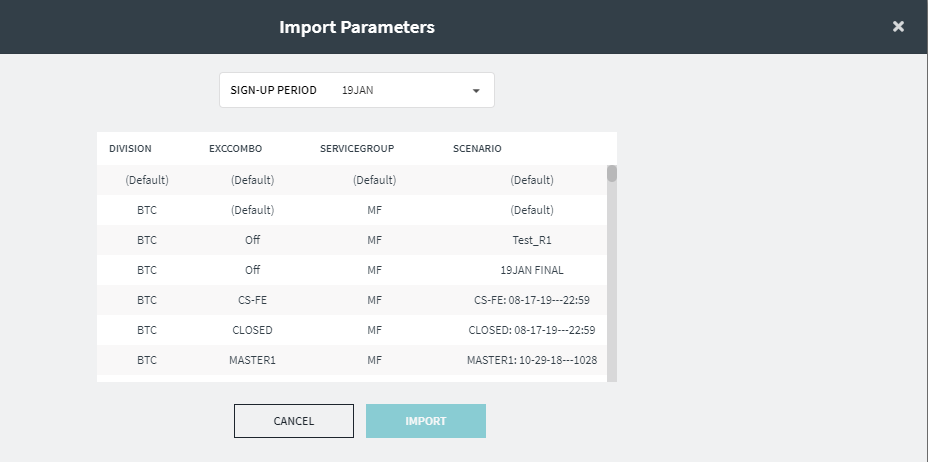
- In the Sign-up Period list, select the sign-up period from which you want to import parameters.
- Click the scenario of the selected sign-up period whose parameters you want to import.
-
Click Import.
If any of the items do not match, a warning message is displayed that indicates that not all parameters were imported.