
Setting User-Defined Properties
User-defined properties affect local workstations only and can be adjusted at any time by the user of the workstation.
-
Click or press ALT + ENTER.
The Properties dialog appears.
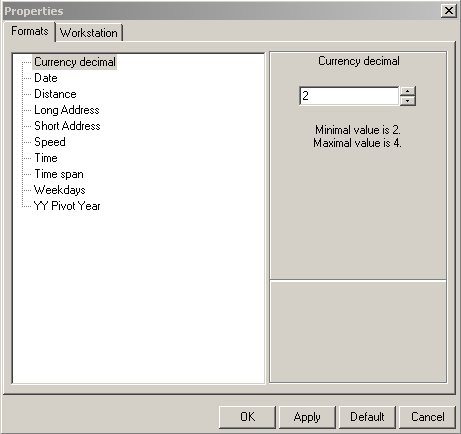
- On the Formats and Workstation tabs, highlight the property you want to set.
- In the right frame, choose the property-specific format that you want.
- Click Apply.
- Click OK.
- To restore the values set by default, click Default.