
About the Runcutting Screen
The Runcutting screen contains two tabs: Runs and Travels. It opens with the Runs tab by default.
The following graphic shows the Runcutting screen with two tabs: Runs and Travels. It opens with the Runs tab by default. The sample data is shown in the two grids: Cut Pieces and Uncut Pieces.
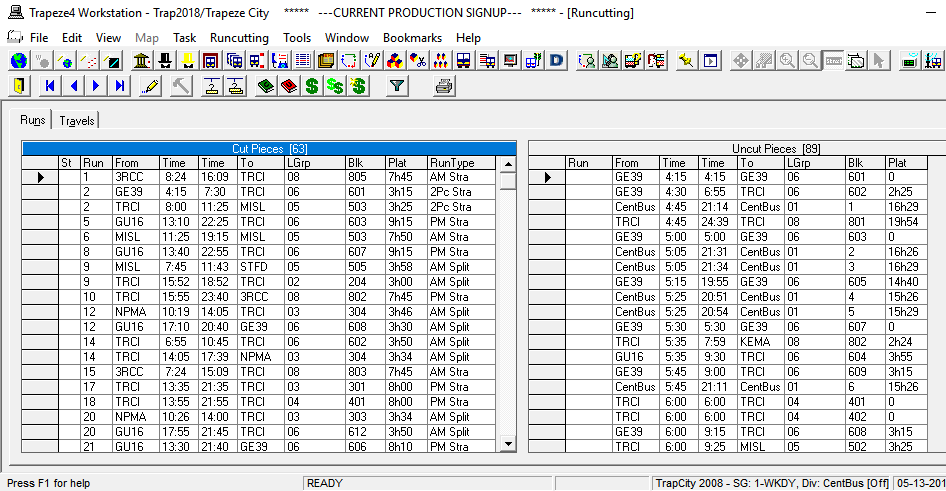
The screen toolbars that appear below the main toolbar are different on each tab and contain tools that are commonly used in FX.
The bottom right of the screen shows the status bar with the Set Mode information on the right section of the bar.