
Adding Points and Point Attributes
Special points are locations that are more precisely located than stops and exist between stops in a pattern. When creating point records, you can add attributes, which are characteristics of the point, such as color and condition.
-
Click .
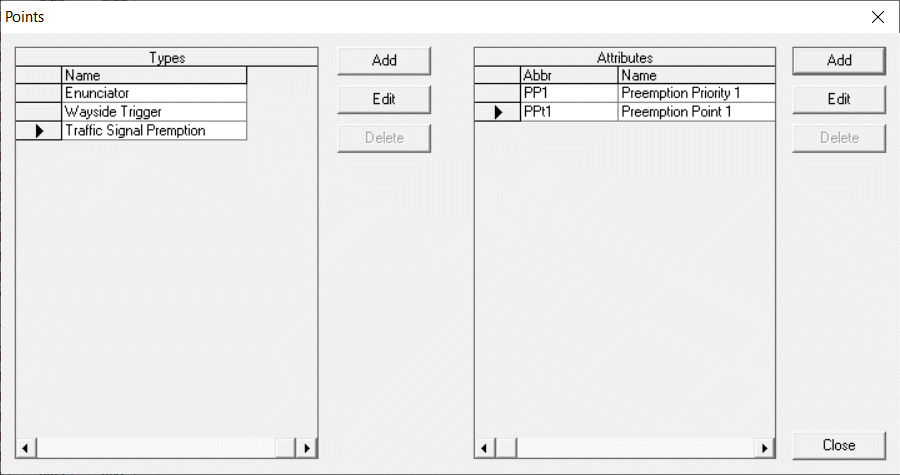
The Points ancillary data dialog box appears.
-
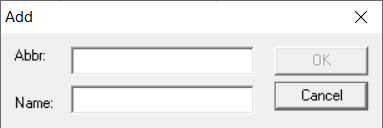
Click Add beside the Types frame.
The Add dialog box appears.
-
In the Points dialog box, click Add beside the Attributes frame to set attributes for the point. The Add dialog box appears.
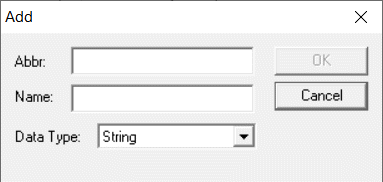
- In the Abbr field, type an abbreviation for the attribute.
- In the Name field, type the full description of the attribute.
- From the Data Type list, select the appropriate data type: String, Boolean, Integer, Long, or Double.
- Click OK.