
Viewing Different Map Settings
Map settings can be viewed for screens or printing.
-
Select a different setting from the list at the top left corner of the Layout
Control dialog box.
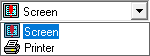
Map settings can be viewed for screens or printing.