Viewing Bus Stops Supplementary Data
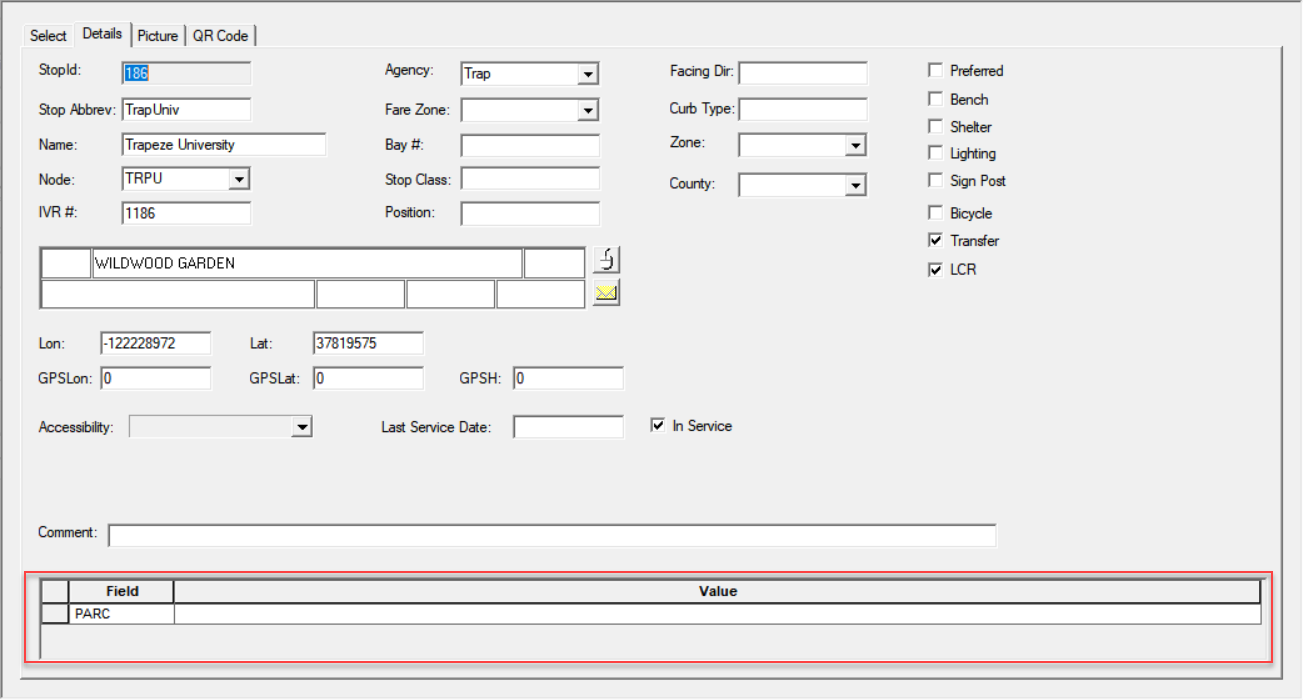
You can add other pieces of information as supplementary data on bus stops and edit them in the Bus Stops screen.
- IVR #
- Position
- Fare Zone
- Stop Class - Value defined by your transit site.
- Select the bus stop record whose supplementary data you want to view
-
Open the Detail tab.
The supplementary data is shown in the grid at the bottom of the screen.