
Viewing Rostering Supplementary Data
You can view Run and Roster supplementary data in the Rostering screen.
-
In the Display Options frame on the
Display tab, click the Other button.
The Supplementary Data dialog appears.
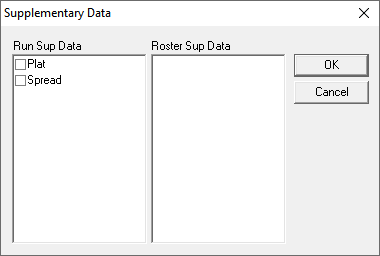
- Select the fields you want to view on the Rostering screen.
-
Click OK.
The selected data in the dialog appears in the Field and Values columns in the Rostering screen.