
Viewing Car and Train Count
The Yard Balancing Tool allows you to determine the number of cars and trains that pull out and pull in from a yard or garage for a service group and line group during a specific sign-up period.
Note: The Yard Balancing Tool is for transit sites that also have
rail systems.
In the Trip Building screen, you can view the car count for each trip in the supplementary data field. The Yard Balancing option is enabled in the FX Tools menu if the #Cars column is displayed on the Trips tab of the Trip Building screen.
-
Click .
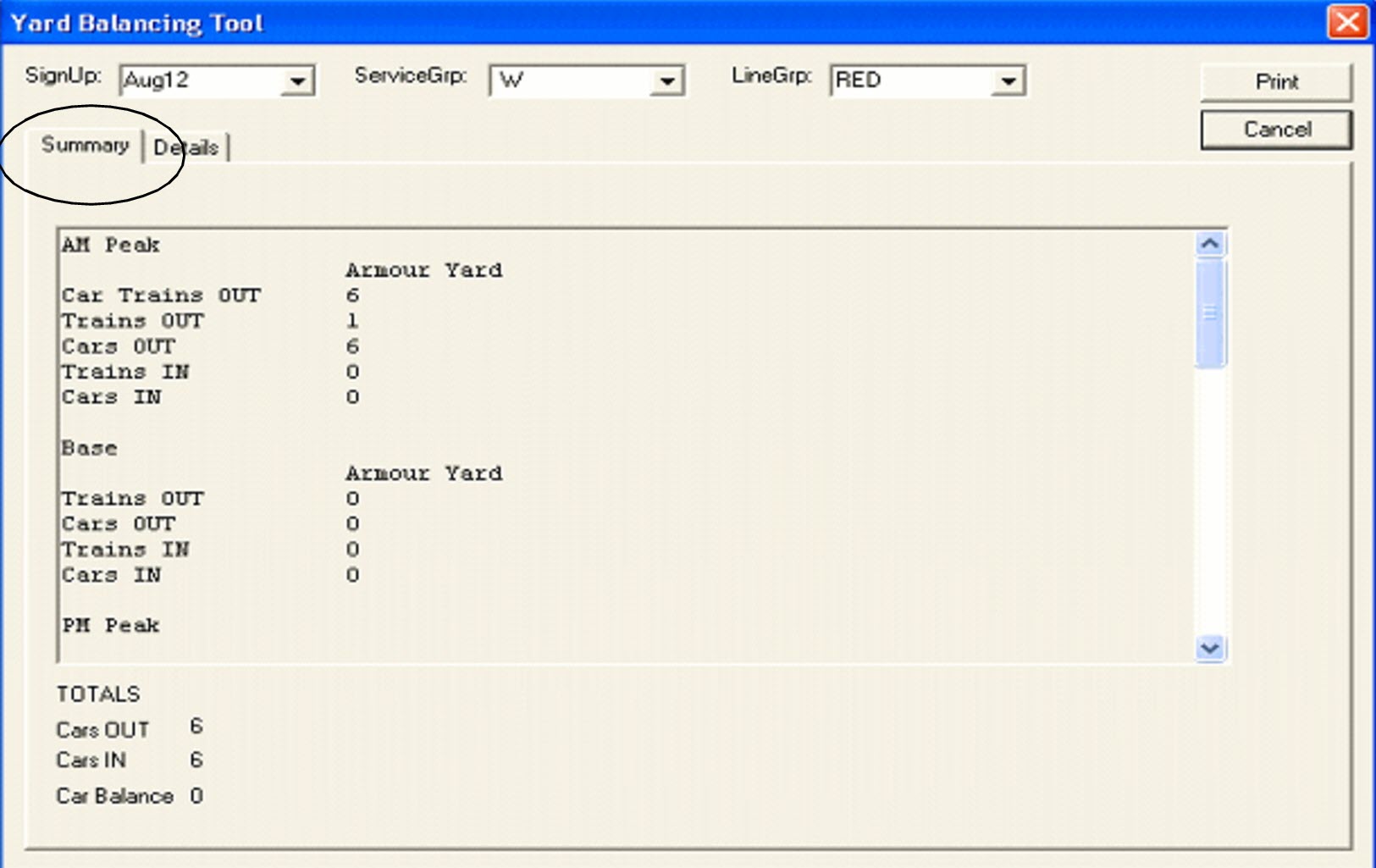
The data of the garage in the context is shown on the Summary tab.
- In the Signup drop-down list, select the appropriate sign-up period.
- In the ServiceGrp drop-down list, select the appropriate service group.
- To view the number of cars for each block, open the Details tab.
- Click Cancel to close the dialog box.