Place text in quotation marks for exact match search results.
About Street Segments and Points
In MapEdit, information can be viewed and edited for existing
segments. Segments can also be added, edited, and deleted.
Information in Trapeze4 maps is saved in segments. Each segment represents part of a street that has the same name and characteristics.
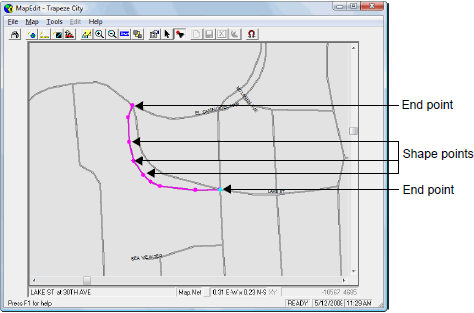
Each segment connects at least two points. The points define the shape and location of the segment. As shown in following graphic, end points indicate where a segment starts and ends, while shape points define the segment shape. Segments can contain a maximum of 32,000 points, although large numbers of points in one segment are not recommended.
A segment that connects many points represents a curved street as shown in the following
graphic:
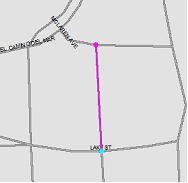
A segment that connects two points represents a straight street as shown in the following
graphic:
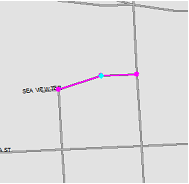
A segment that connects more than two points can represent a street with a corner as shown in
the following graphic: