
Changing Your System Password
The first time you log into the Trapeze4 Workstation or if your password has expired, you have to change your password.
-
Click .
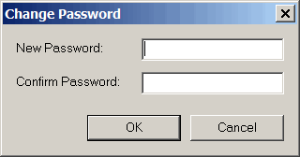
The Change Password dialog box appears.
The first time you log into the Trapeze4 Workstation or if your password has expired, you have to change your password.