Accessing Ancillary Data
Ancillary data defines the foundation for creating transit schedules. Ridership Analysis has two forms of ancillary data: check types and comments.
To access PLAN ancillary data, click .
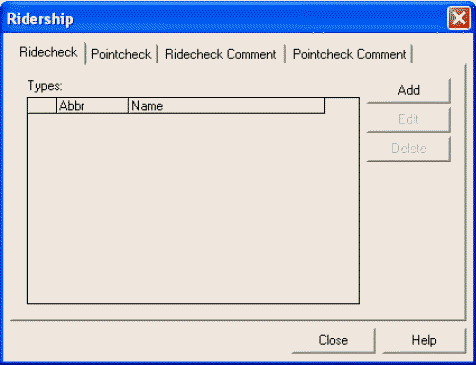
The Ridership ancillary data dialog box appears over the
active screen.