
Setting up Check Types
The names given to check types depend on the need of your transit site and the types of checks that occur.
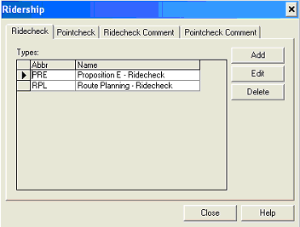
The Ridership Analysis dialog box shows four tabs: Ridecheck, Pointcheck, Ridecheck Comments, and Pointcheck Comments. You set up ride check types on the Ridecheck tab and point check types on the Pointcheck tab.
-
Click .
The Ridership dialog box appears.
-
Click Add.
If the Ridecheck tab is open, the Add Ridecheck Type dialog box appears.
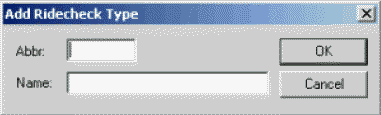
If the Pointcheck tab is open, the Add Pointcheck Type dialog box appears. It is similar to the Add Ridecheck Type dialog box.