
Editing Check Types
You can change the Abbreviation and Name of the selected check type.
-
Click Edit.
Depending on the selected check type, the Edit dialog box appears with information in the Abbr field and Name field for the selected type.
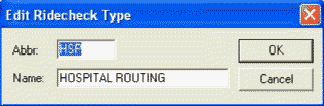
The graphic shows a Ride check type example.