
Showing and Removing O/D Lines from Map
Lines between the origin and destination of trips can be shown when you view the analysis results on the map.
-
Click the Display O/D Lines button:
 .
The O/D lines are drawn in straight lines rather than following the street network.
.
The O/D lines are drawn in straight lines rather than following the street network.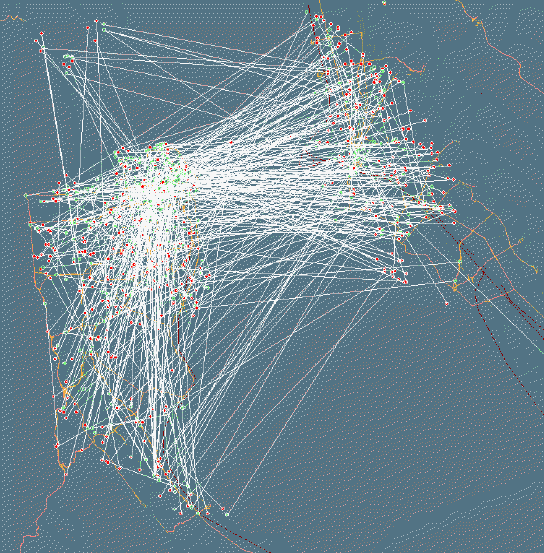 Note: The Display O/D Lines button is shown on the Spatial Analysis and Trip Administration (Trapeze PASS) screen toolbars.